1. Shortcut Buttons
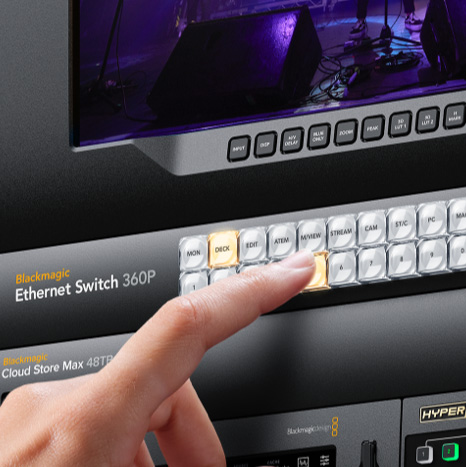
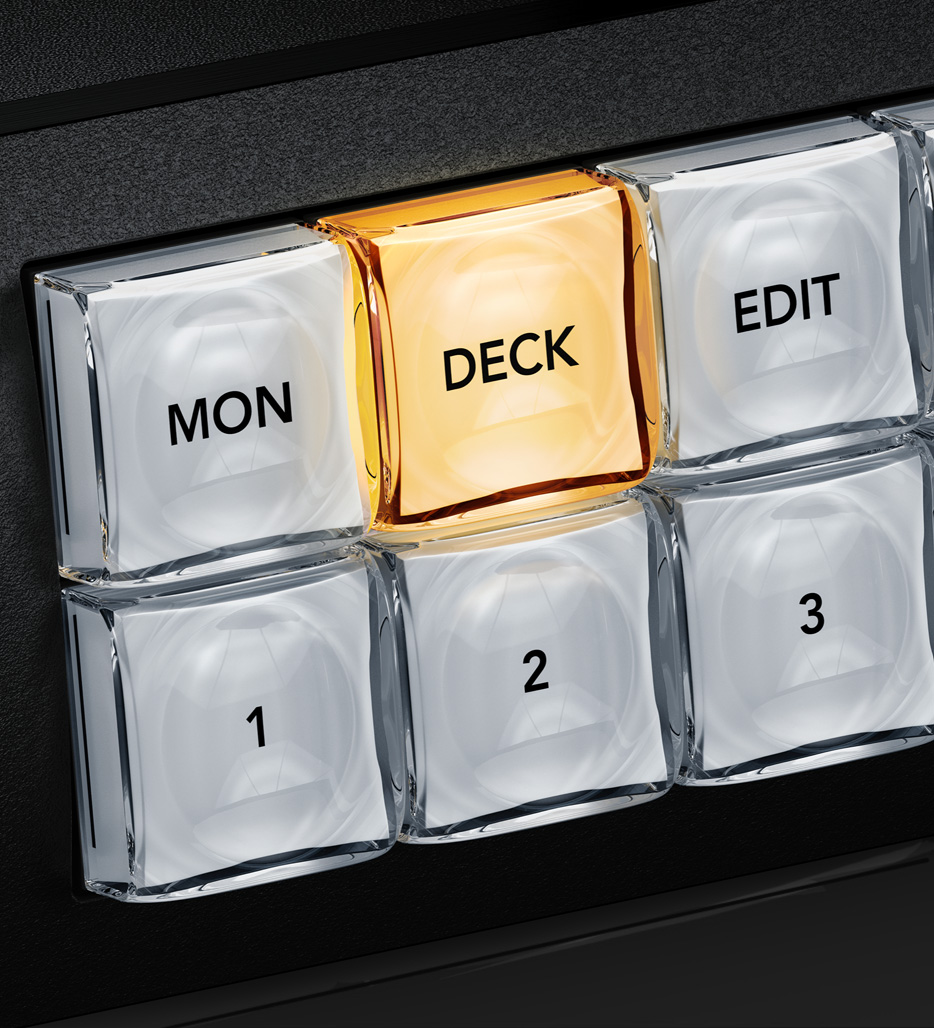
The shortcut buttons allow direct entry of sources and destinations. They can also be used with the numeric keys. Plus if a button uses a dedicated input label, then they will act like a cut bus!

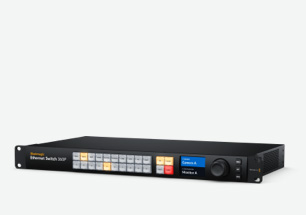
Blackmagic Ethernet Switches are the first Ethernet switches designed for film and television! They deliver high performance with low latency and all connections are on the rear, keeping cables neat, hidden and secure. There are two models, both with 10G and 100G Ethernet ports. The Blackmagic Ethernet Switch 360P includes a dedicated router panel, so you can set 2110 IP multicasting using a familiar video routing control panel. Users won't even know they're routing SMPTE-2110! The Blackmagic Ethernet Switch 820 has 8 x 100G Ethernet connections with data center style front-to-back cooling and basic SMPTE-2110 routing. You get easy to use solutions with the features you need for television!
Find Reseller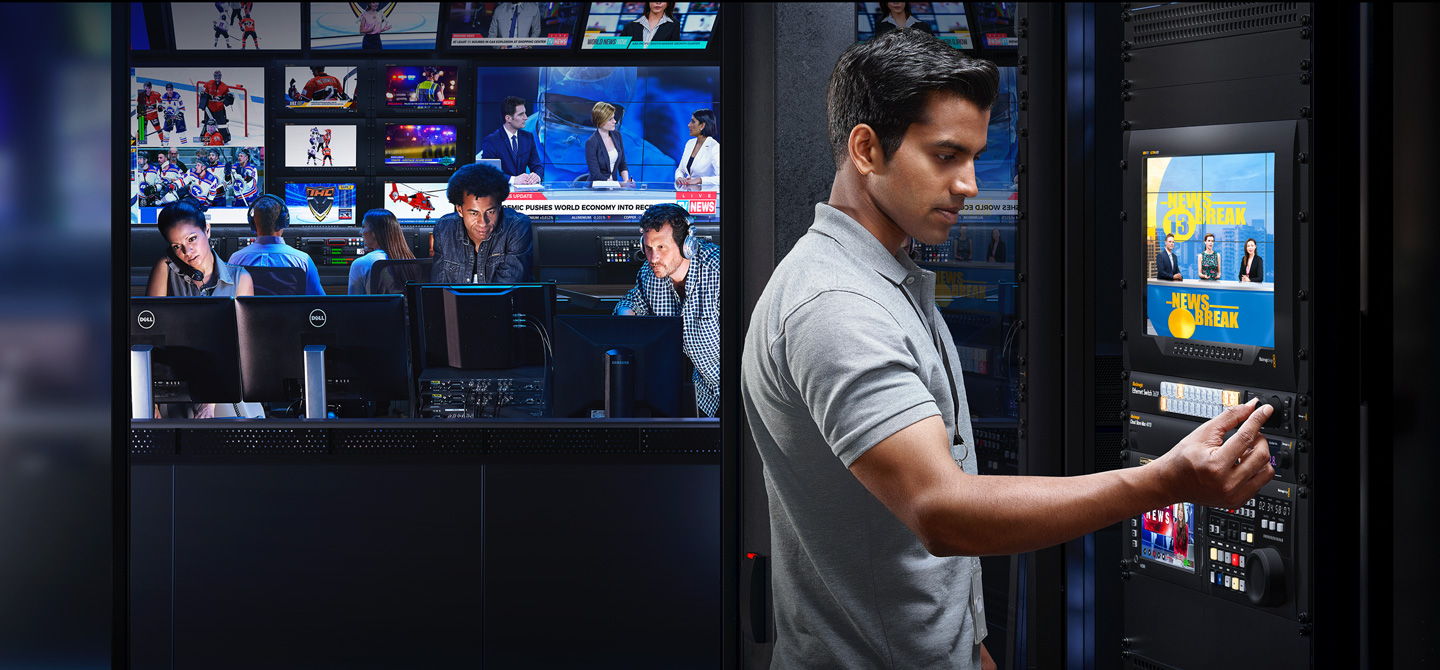
Blackmagic Ethernet Switch models have been designed specifically for television! All network connections are on the rear, the same side as ports on your broadcast equipment, allowing you to loom cables neatly and eliminate cabling mess. The two models have very different designs! The Blackmagic Ethernet Switch 360P includes a built-in front panel that looks like a conventional video router. The Blackmagic Ethernet Switch 820 is a higher performance design with professional front-to-back cooling, 6 fans for redundancy, dual redundant power supplies and simple router control. This quiet design is very important when you're working near equipment such as in broadcast trucks and mini racks!
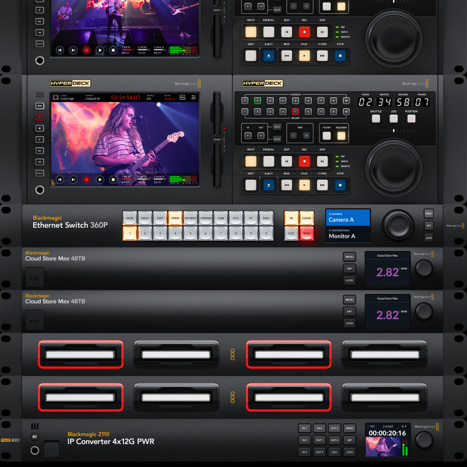
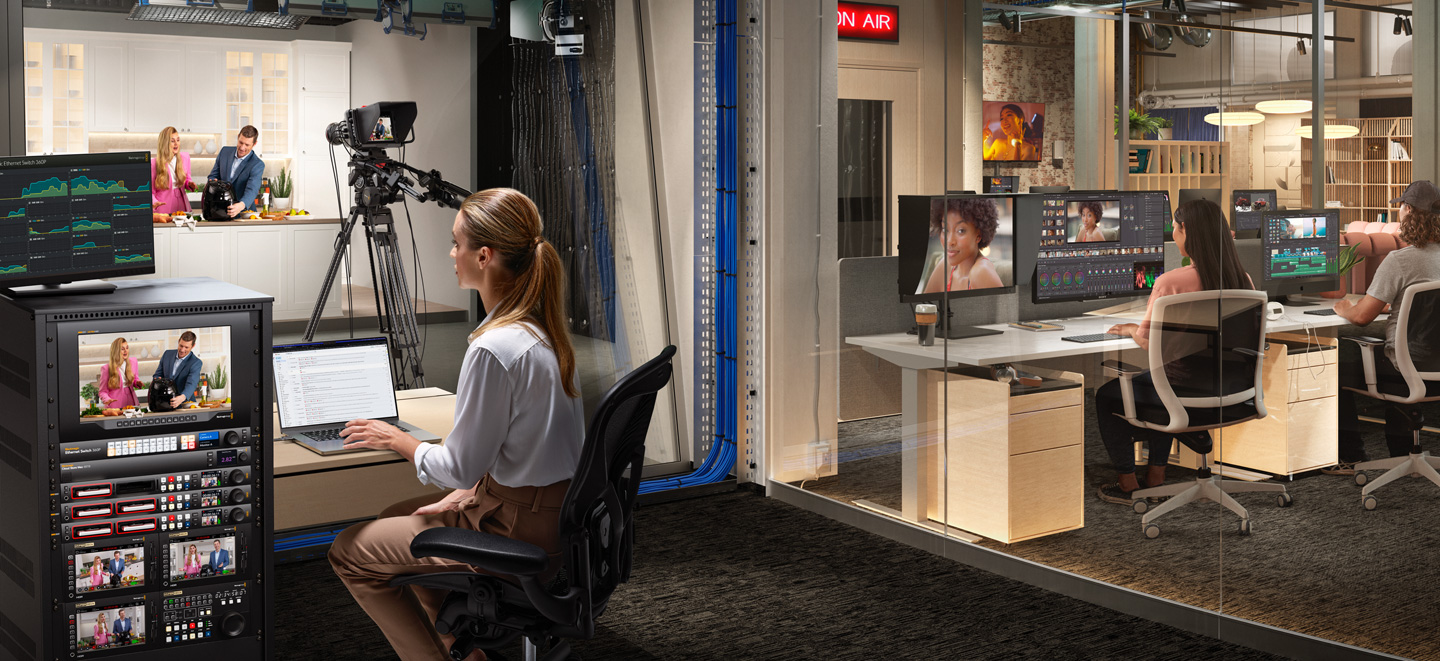
Now you can build small 2110 IP systems such as fly away kits or small broadcast vans. That's because the 2110 multicast settings are configured using a simple router panel! You don't need an IT technician and there are no complex multicast settings!
Get the ultimate ISO recording and replay solution! You get lots of 10G Ethernet ports for connecting HyperDeck ISO recorders and DaVinci Resolve workstations. Then connect a Blackmagic Cloud Store Ultra to the extremely fast 100G Ethernet ports.
Blackmagic Ethernet Switch 360P has all its Ethernet connections on the rear panel which is the same side as your television equipment. So there's no cable management as the cabling is simple. Now you can connect to and remotely manage all your gear!

Get two independent 100G Ethernet connections for extreme speed! Connect to HyperDeck ISO Recorder 100G and Blackmagic Cloud Store Ultra via fast 100G optical fiber. For large ISO recording, Blackmagic Cloud Store Ultra is ideal with the speed needed for many simultaneous Ultra HD streams.
Get 16 totally independent 10G Ethernet ports with standard RJ-45 connectors. Designed for television, all connections are rear-mounted for neat cable management. Build extremely large HyperDeck ISO recorder arrays and connect multiple DaVinci Resolve workstations for editors and colorists!
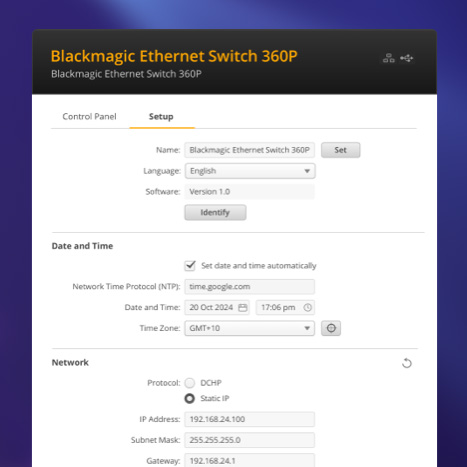
The dedicated management port lets you run the Blackmagic Ethernet Switch utility software for status monitoring and software updates. This port is isolated from control, video, and audio networks so it won't interfere with operations. Download Blackmagic Ethernet Utility free for Mac or Windows!
The dedicated NMOS control port keeps management traffic separate from the video and audio data. NMOS automatically discovers and registers new SMPTE-2110 equipment on your network, making them instantly available for routing without any manual configuration or complex IT knowledge!

Includes 2 redundant PTP clock Ethernet ports for precise SMPTE-2110 timing synchronization. If one connection fails, the second port seamlessly maintains the timing signal. You can also connect two separate grandmaster clocks for added reliability during equipment failures or cable faults.
Two separate 10G Ethernet ports are included so it's easy to connect computers, as 10G Ethernet is lower cost and more common than 100G. You can also connect equipment like HyperDeck Extreme 8K, which can record 4 channels of video simultaneously over a single 10G Ethernet connection.
The more powerful model includes 8 separate 100G Ethernet connections using QSFP sockets. The 100G ports connect data ports on HyperDeck ISO Recorder 100G and Blackmagic Cloud Store Ultra. Or use it for SMPTE-2110 networks with ATEM Constellation IP switchers, HyperDeck ISO Recorder 100G and more!
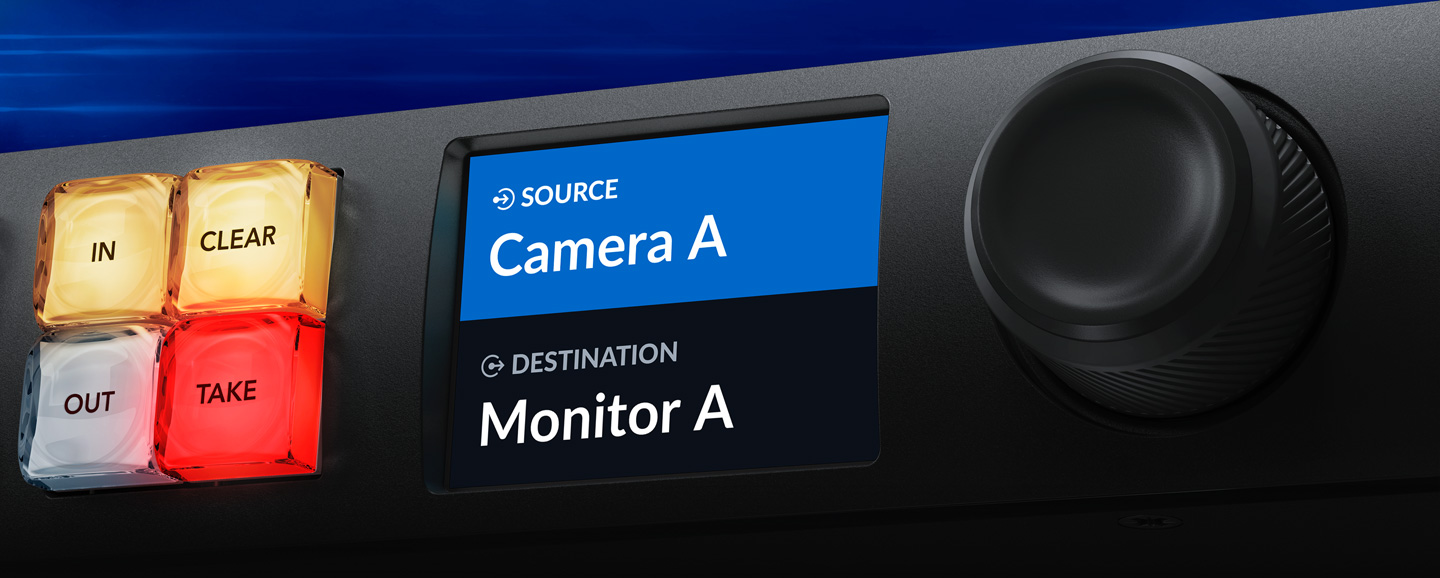
Now you can create self-contained 2110 IP systems without needing an IT technician, because you can route IP video from the front panel! Plus, Blackmagic Ethernet Switch 360P has the same front panel as our Videohub routers, so you route IP video the same way you route SDI. The front panel includes a machined metal spin knob, color LCD and shortcut buttons. However, all models let you simply scroll the IP video sources and press the take button! Blackmagic Ethernet Switch then sets up all multicast settings in the background. Plus, when a new 2110 IP device is connected, it automatically appears in the list! That makes SMPTE-2110 truly plug-and-play!
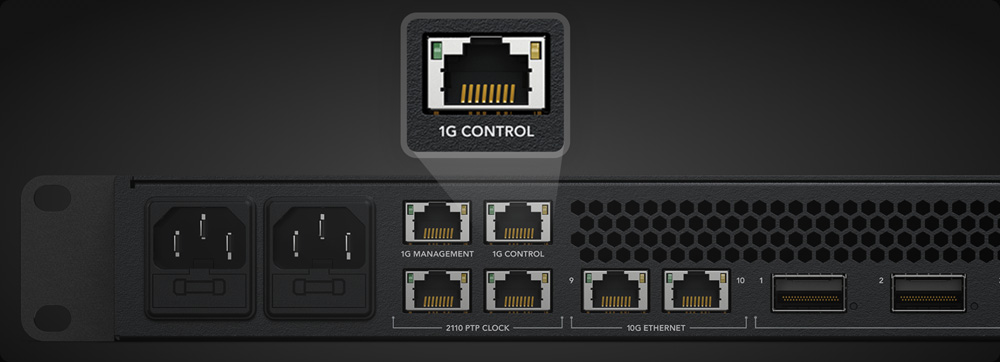
The Blackmagic Ethernet Switch 820 also has a dedicated NMOS control Ethernet connection. This dedicated control port ensures NMOS management traffic is separate from your video and audio data, so control never competes for bandwidth, ensuring low-latency switching over your SMPTE-2110 IP video network. NMOS control is important in SMPTE-2110 systems because it provides a standardized way to discover, register, and manage all IP video devices on your network. When new SMPTE-2110 equipment is connected, NMOS allows the switch to identify it and make it available for routing, eliminating the need for manual settings. It means setup is simple and you don't need any special IT knowledge!
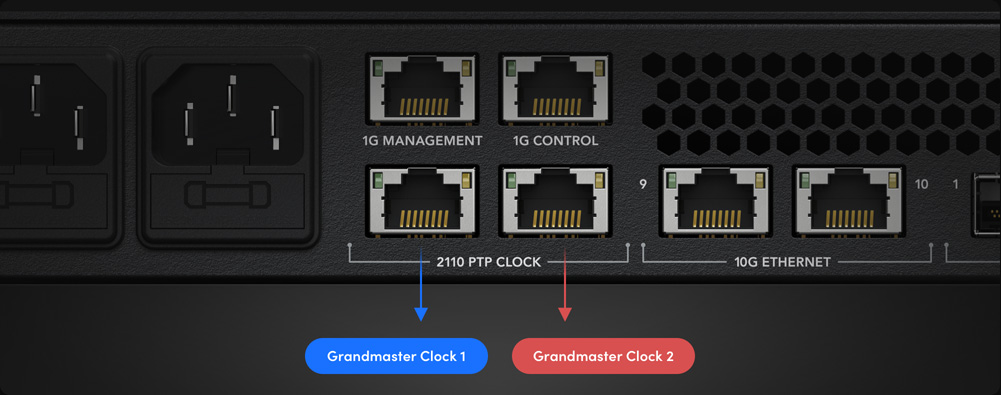
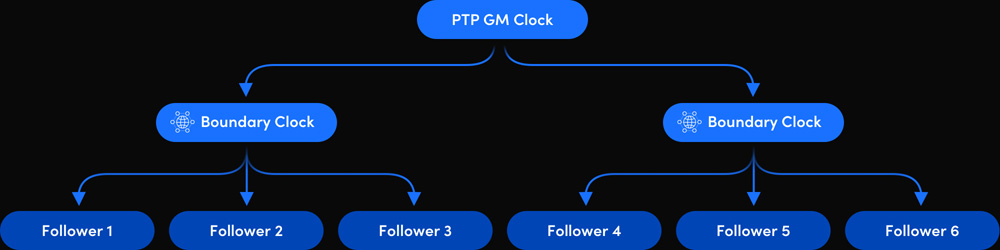
The Blackmagic Ethernet Switch 820 model includes 2 redundant PTP clock inputs! Redundant PTP ports let you maintain precise timing across all gear connected to the switch. PTP ensures all SMPTE-2110 equipment share an accurate time reference, which is critical for syncing video, audio and data streams. If the PTP clock fails, then the second port will seamlessly maintain the timing signal. That's important in live production where even a momentary loss of sync can cause glitches on air. Redundant PTP ports also let you connect two separate grandmaster clocks, so your SMPTE-2110 network remains perfectly synchronized during equipment failures, cable faults, or when you need to do maintenance.
The Blackmagic Ethernet Switch 360P has a built in router front panel where you can route video just like an SDI router, but underneath the switch is updating all the complex multicast settings for you automatically! The front panel is similar to a Blackmagic Videohub router, so it features the same spin knob for browsing, direct entry buttons for speed and an LCD for displaying labels. The LCD also has menus so you can change the Blackmagic Ethernet Switch 360P settings.

The shortcut buttons allow direct entry of sources and destinations. They can also be used with the numeric keys. Plus if a button uses a dedicated input label, then they will act like a cut bus!
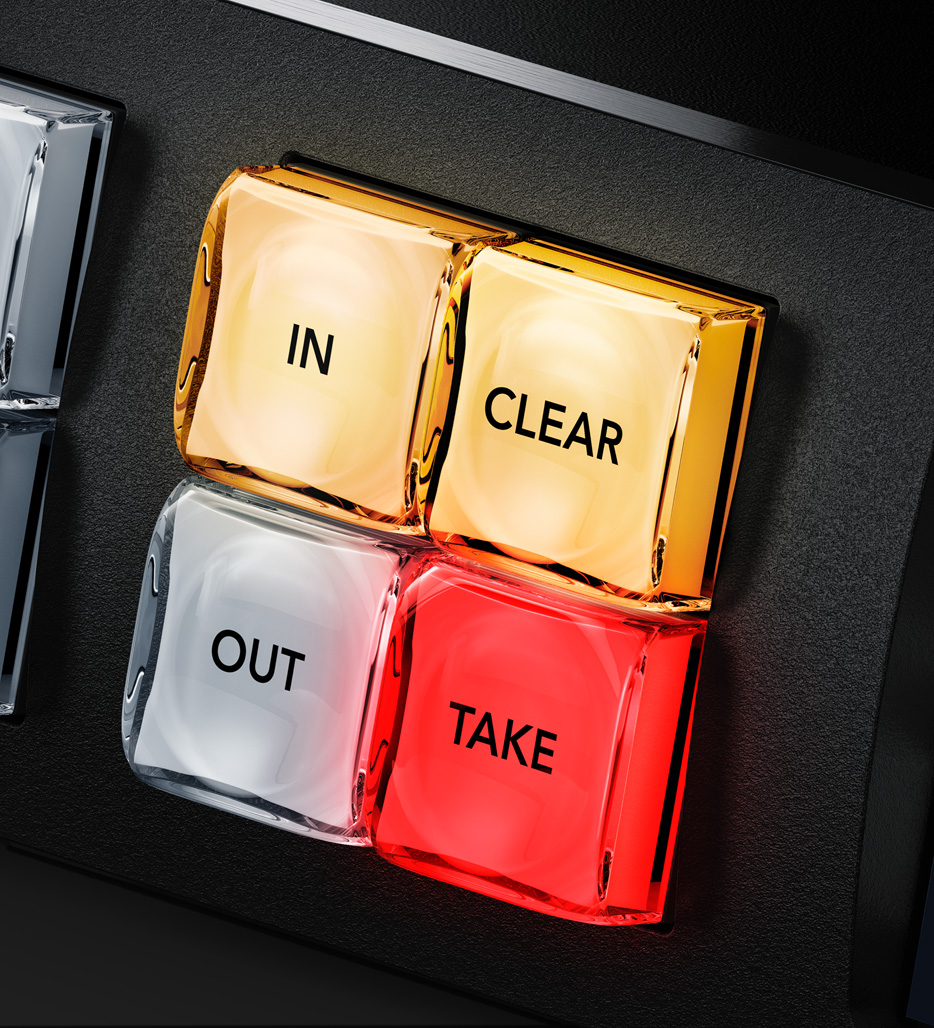
The in button switches the panel over so the spin knob and shortcut buttons will be selecting from the list of input video sources. By rolling the spin knob, you can see all your inputs.
The clear button can be used to disconnect a 2110 IP multicast route. You can also cancel the take button if you've selected a video source but decide you don't want to make the connection!
The LCD has large labels showing the connection between input sources and output destinations. Plus the LCD can be set to light or dark mode so it's easy to read even in different lighting conditions.
The numerical keypad has a range of numbers marked 0 through to 9. It allows multiple labels, such as Mon 1, Mon 2, Mon 3 etc. You would select one of the shortcut buttons first and then the number.
The out button switches the panel to selecting the output. Normally you do this first, so you know what output you are going to change. You will then see the current input, before changing it.
The take button is the final confirmation that you want to accept the new input selection. This eliminates mistakes! You can also disable the take function for specific outputs for live routing.
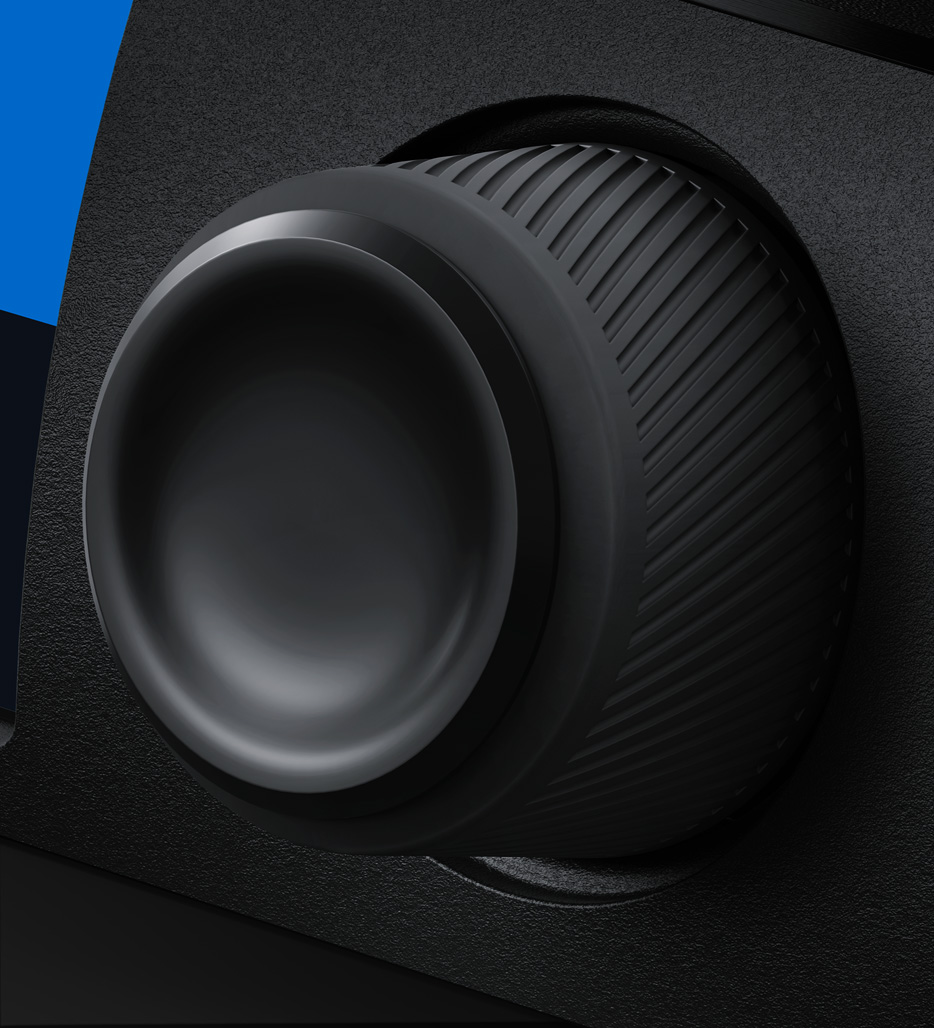
The spin knob has a machined metal design, soft rubber coating and an electronic clutch. You can scroll labels in alphabetical order so it's very easy to find the source or destination you need.
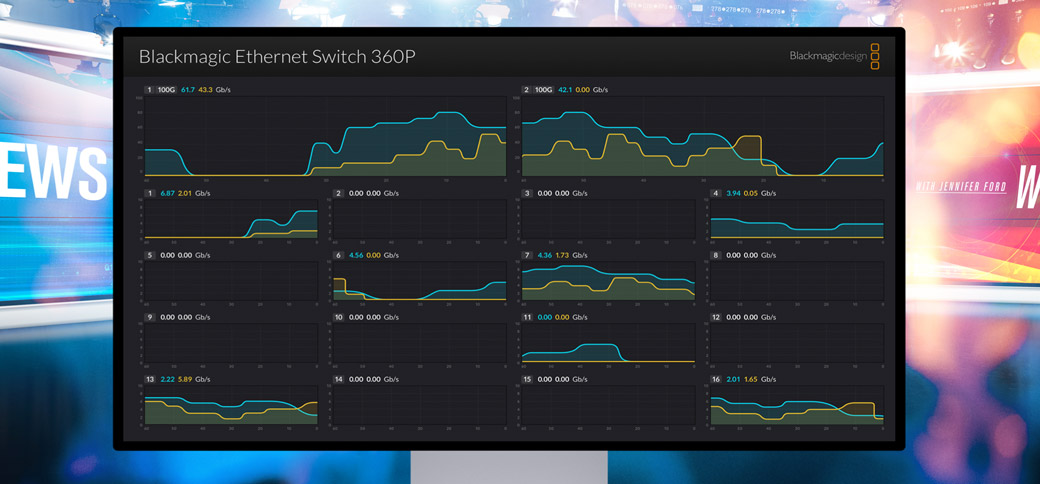
In broadcast it’s important to know what's going on so you can see issues before they happen. Blackmagic Ethernet Switch models include a video output that shows you each Ethernet connection in a visual status display. Just connect any TV or computer monitor. You get the link speed, plus the current data transfer speed. There's also a live data graph for each port that shows you the data rate vs the port capacity over time. The data rate graphics are really helpful when recording multiple record streams to storage as it's incredibly easy to see any bandwidth issues or data stalls. The monitor output also shows the custom name of the Switch. It can even show connected 2110 IP device names!