Collaboration

Media

All projects start with importing and organizing footage, and they all end with mastering and final output. DaVinci Resolve features powerful tools designed to let you get to work quickly and output files fast, so you’ll never miss a deadline. Its incredibly wide format support makes it compatible with virtually every modern file format and media type in the world, including Blackmagic RAW, making it the ideal hub for your post production workflow. When it comes to delivery, DaVinci Resolve lets you export and upload directly to YouTube, Vimeo, and TikTok, create broadcast masters for television and streaming services, or even create digital cinema packages for theatrical distribution!

Great support and compatibility

Organize and Sync Footage

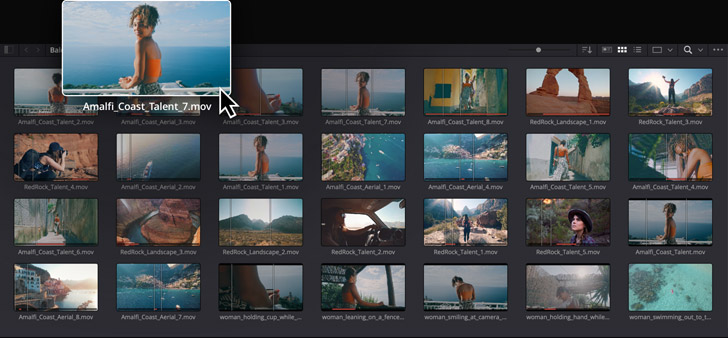
The media page is a dedicated workspace for importing, organizing, syncing footage and adding metadata. The top of the screen displays the hard drives connected to your system, while the bottom of the page displays footage in the current project. To import footage, drag it from the drives at the top into the project’s media pool at the bottom. The viewer lets you preview footage before adding it to your project and the metadata inspector can be used to view or edit metadata. You can make source side adjustments, such as adding a LUT before editing. The media page can also be used to clone and backup camera media, sync separately recorded audio and video, and even extract audio from clips!
Importing Footage

Bins and Smart Bins

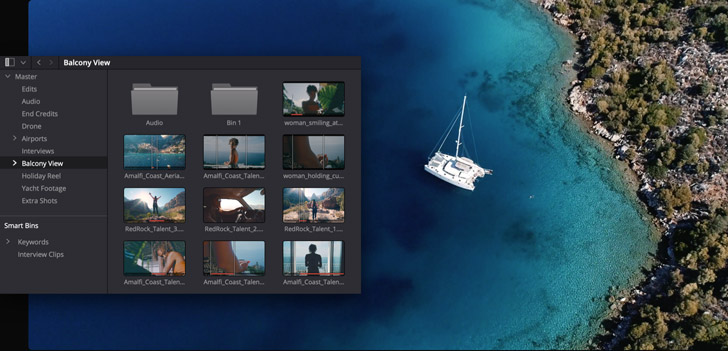
Bins are folders that you create in the media pool to organize footage. You can create bins just like you create folders on the hard drive, then drag footage into them as desired. Standard bins let you organize footage however you’d like. Smart Bins use metadata to automatically organize your clips and are always kept up to date as new footage is added to your project. Power Bins are visible across all projects on your system, making them perfect for re-usable assets such as graphics, logos, titles, clips and more. The DaVinci AI Neural Engine even lets you organize media based on people detected in your footage! Bin views can be customized and you can open as many bin windows as you need!
Organize Clips

Sync Audio and Video

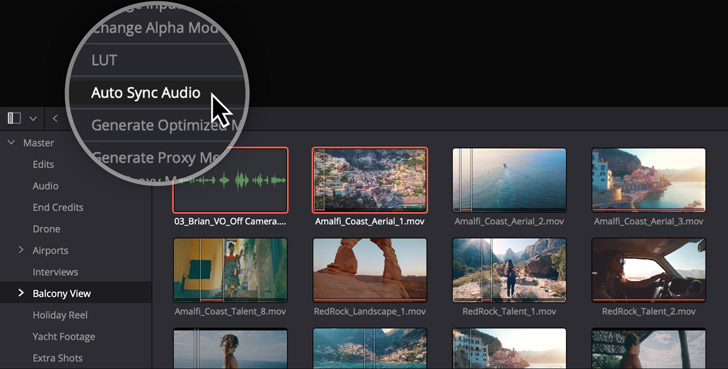
The media page includes tools for syncing audio recorded from separate sources with your video files. Just select the audio and video clips and use the sync command. You can sync based on timecode or by audio waveforms. In addition, you can manually sync audio and video by moving the playhead to a frame in the picture viewer, moving the playhead to a frame in the audio viewer and clicking on the link button. Best of all, you don’t have to render new media. Resolve manages it all for you, merging the audio, video and metadata from the files so you can start editing immediately! In addition to syncing on the media page, you can also now sync audio and video clips on the edit page timeline!
Syncing Audio

View and Edit Metadata

The media page includes an inspector to view and edit over 200 different metadata parameters for every clip! DaVinci Resolve works with both file and frame level metadata. Metadata is automatically imported, plus you can enter your own custom keywords and tags. Footage can be sorted into smart bins based on any criteria. There are pre-defined metadata groups you can view to quickly see camera information, production details, audio and more. You can also create your own unique sets of metadata to create custom metadata views. Metadata tags can even be used to change the display names for clips using scene, shot and take information. That means you’ll never have to rename media files again!
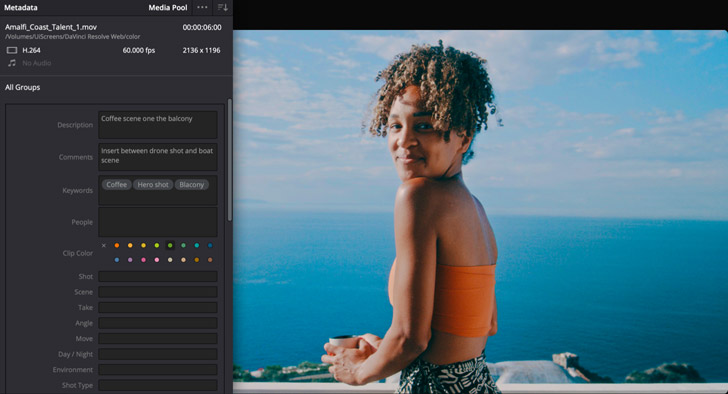
Metadata

Clone and Backup Camera Media

Backing up camera media cards on set while you’re shooting is critically important. You need to make sure with 100% certainty that you have verified working backups before erasing and re-using camera cards. DaVinci Resolve is perfect for use on-set because the clone tool lets you quickly clone camera cards, mags and folders, complete with checksum verifications like XXHash64. This lets you create backups of mission critical camera media with confidence before erasing the media and recording over it. The clone tool makes bit for bit copies with checksum of media cards, SSDs and mags from cameras. For maximum protection, you can save multiple copies to different destinations at the same time!
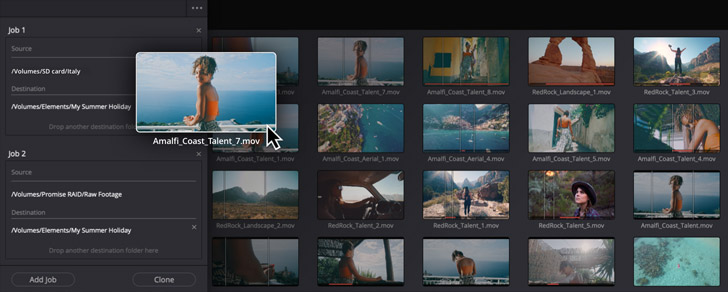
Clone Tool

Quick Export

The Quick Export option is the fastest way to deliver a still or clip. To output your program, go to the file menu and select Quick Export for one click access to the most popular delivery options. If you have entered your account information in DaVinci Resolve’s preferences, quick export will render and upload the finished video to your YouTube, Vimeo or TikTok accounts in a single step! There are also options for creating ProRes masters, exporting H.264 and H.265 files, or exporting audio only. You can also create your own customized presets that will show up in the quick export window. Simply switch to the deliver page, adjust your audio and video settings, and save it as a new preset!
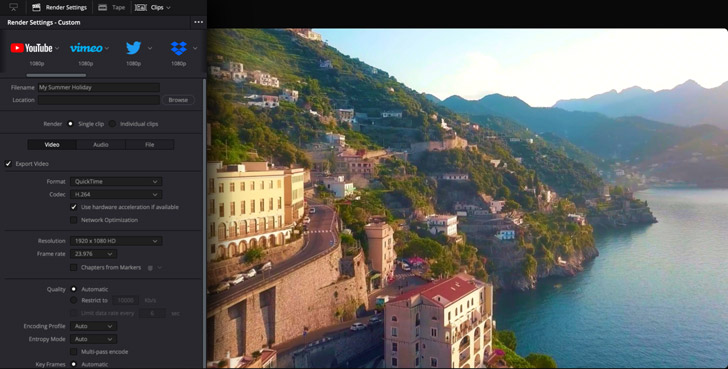
Output Options

Queue and Output Multiple Jobs

When you need to output multiple jobs at once or multiple versions of the same job, the deliver page lets you batch process or even offload rendering to another system! The render queue is where you line up projects to be output. You can quickly add multiple timelines or clips to the render queue for batch processing. Simply create each job, click the "Add to Render Queue" button and then start the batch. Jobs can be output as audio and video, audio only, or video only. If you’re working on a network with DaVinci Resolve Studio, you can offload the rendering of projects and jobs to another workstation. That means you can render on another system while continuing to work on your system!
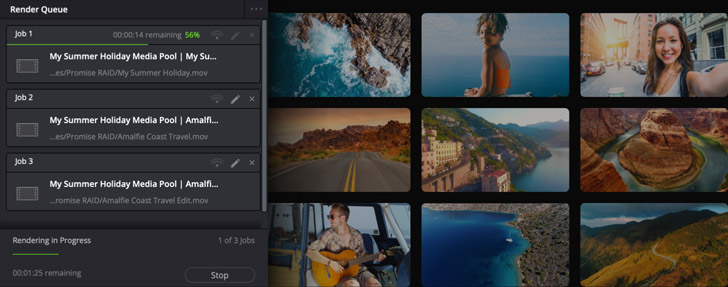
Render Queue

DaVinci Resolve

Software

DaVinci Resolve

DaVinci Resolve 21

Hollywood’s most popular solution for editing, visual effects, motion graphics, color correction and audio post production, for Mac, Windows and Linux. Now supports Blackmagic Cloud for collaboration!
Free

DaVinci Resolve Studio

DaVinci Resolve Studio 21

The most powerful DaVinci Resolve adds DaVinci Neural Engine for automatic AI region tracking, stereoscopic tools, more Resolve FX filters, more Fairlight FX audio plugins and advanced HDR grading.

$295

Editor Keyboards

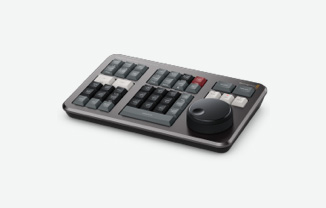
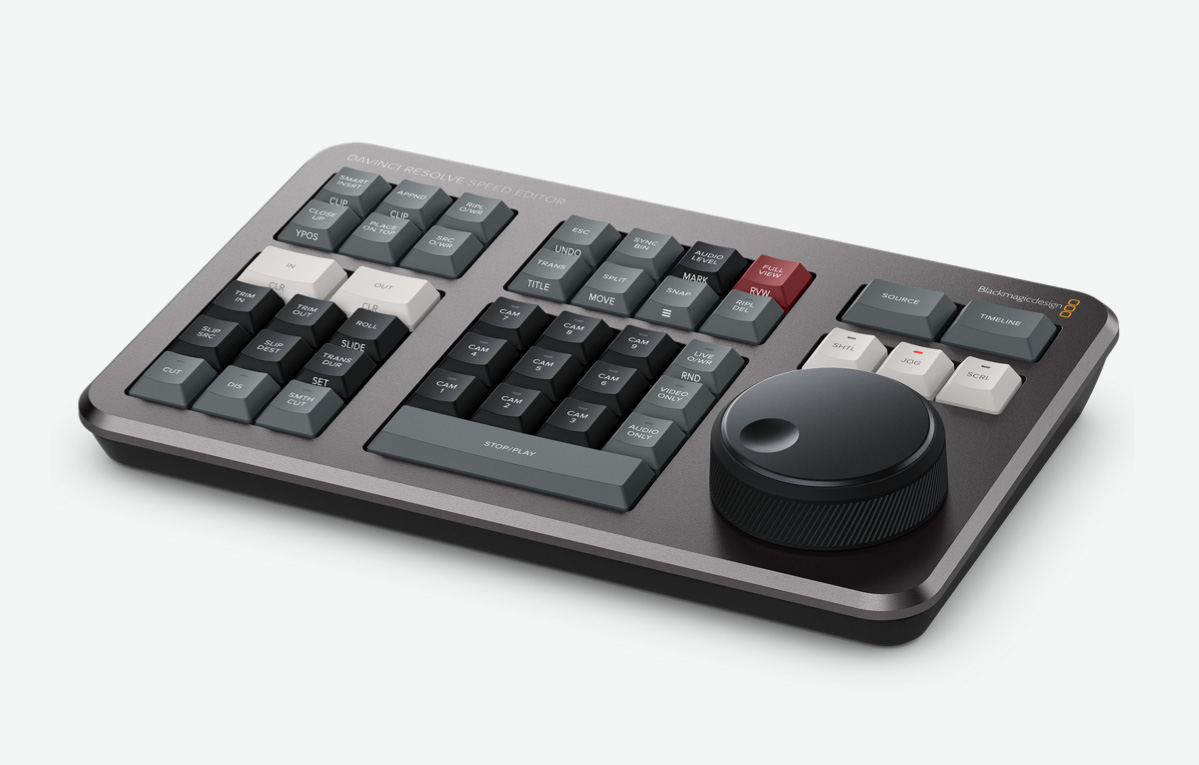
DaVinci Resolve Speed Editor

Includes large search dial in a design that includes only the specific keys needed for editing. Includes Bluetooth with battery for wireless use so it's more portable than a full sized keyboard!

$435

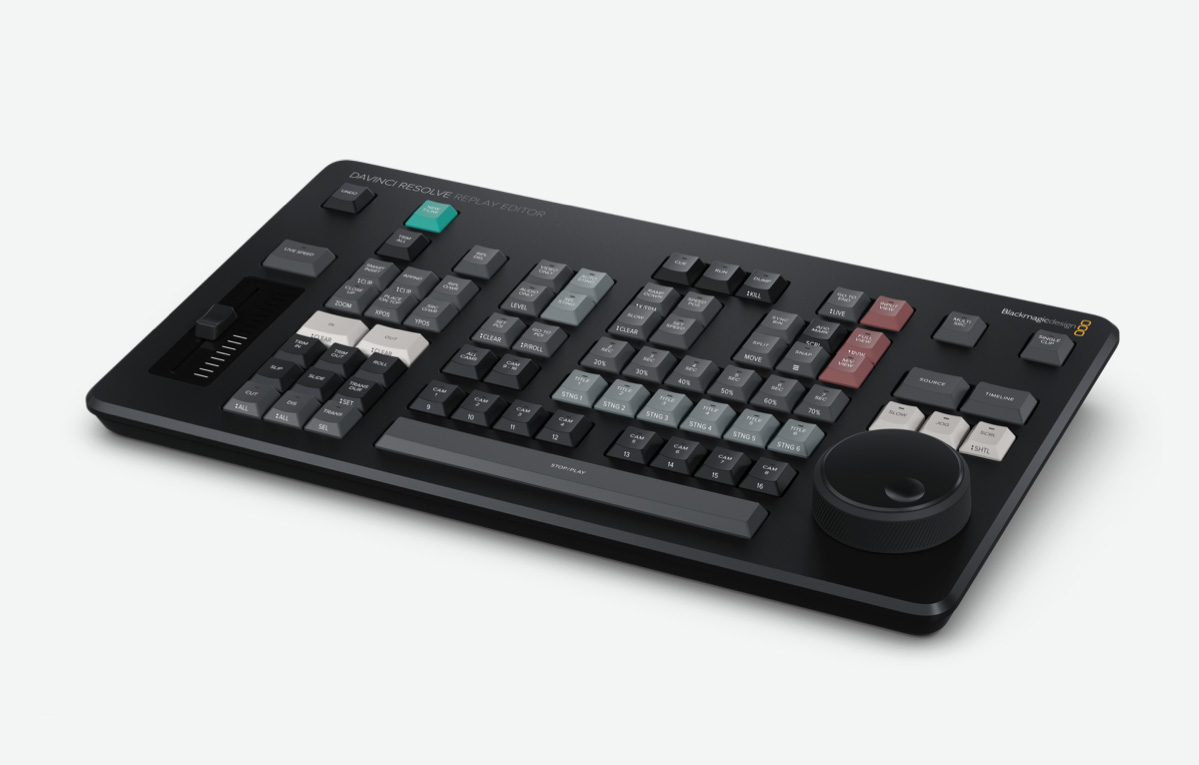
DaVinci Resolve Replay Editor

Editor panel specifically designed for multi-cam editing for news cutting and live sports replay. Includes buttons to make camera selection and editing extremely fast! Connects via Bluetooth or USB‑C.

$545

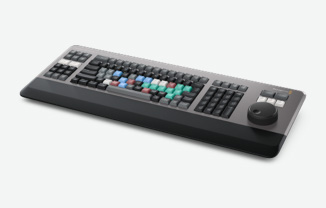
DaVinci Resolve Editor Keyboard

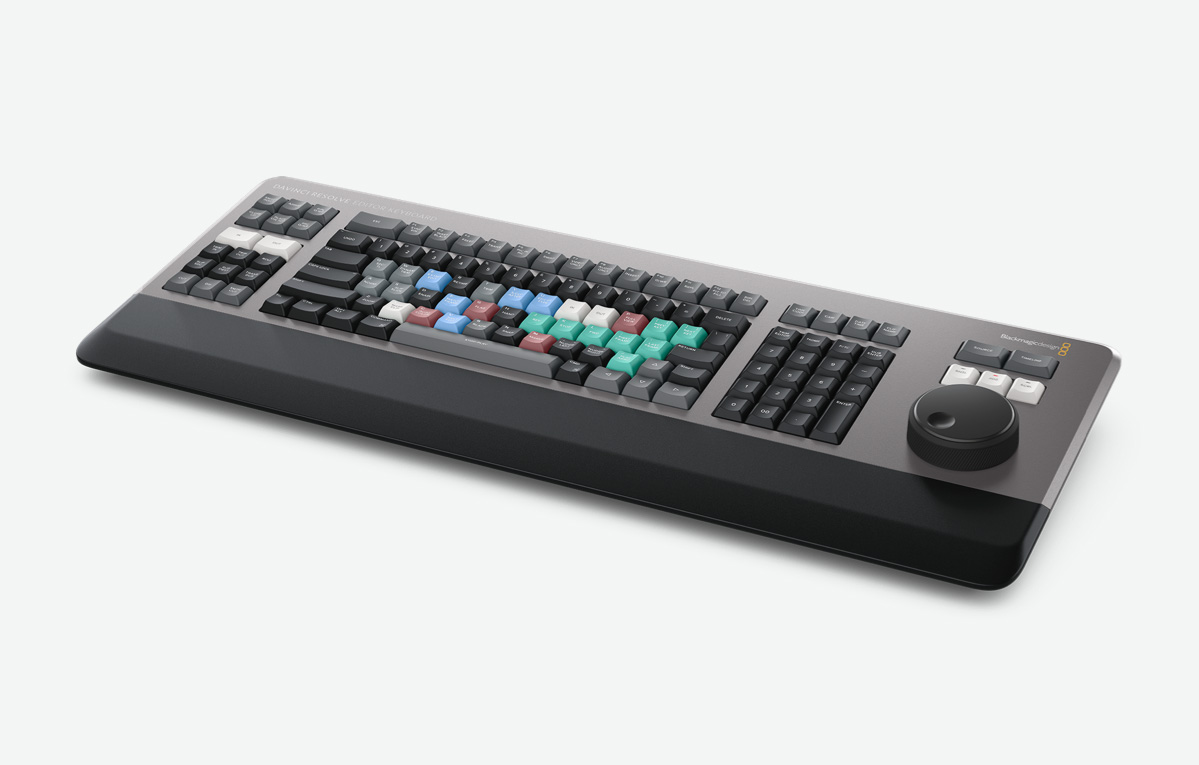
Full sized traditional QWERTY editor keyboard in a premium metal design. Featuring a metal search dial with clutch, plus extra edit, trim and timecode keys. Can be installed inset for flush mounting.

$655

Color Panels

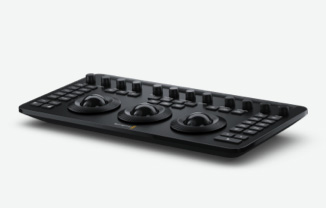
DaVinci Resolve Micro Color Panel

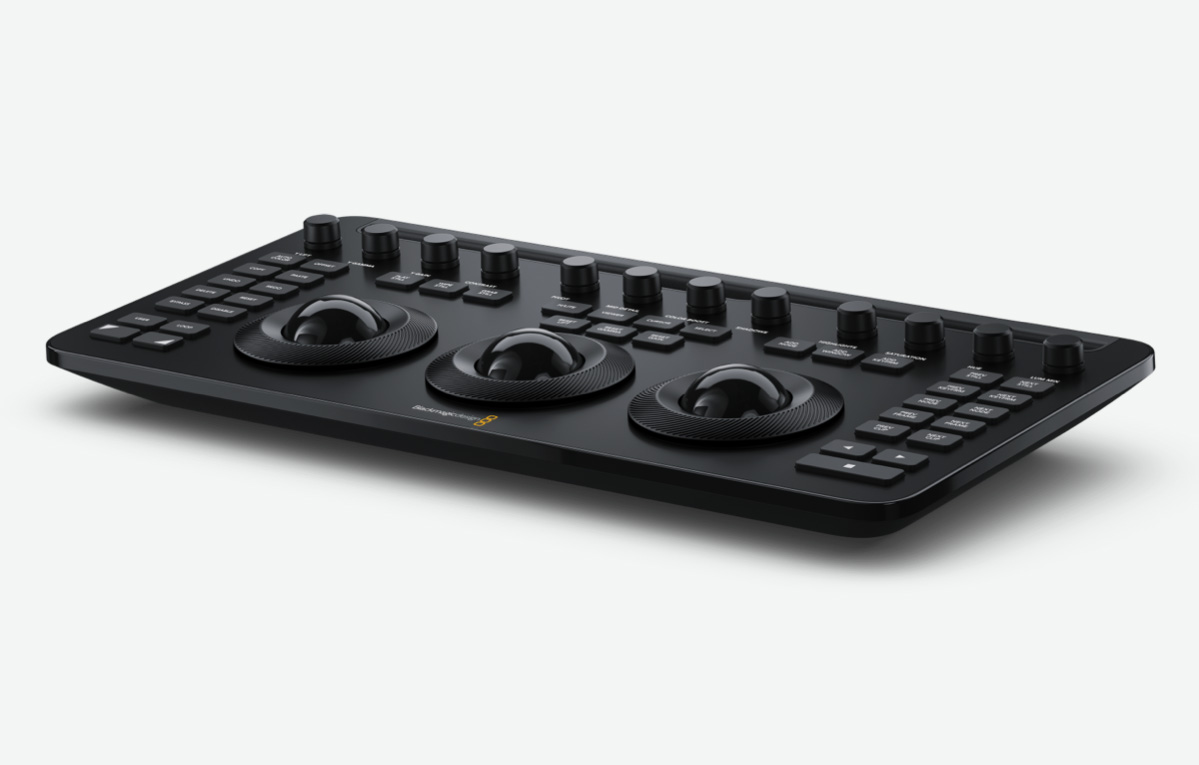
Powerful color panel gives you all the control you need to create cinematic images. Includes controls for refined color grading including adding windows. Connects via Bluetooth or USB‑C.

$559

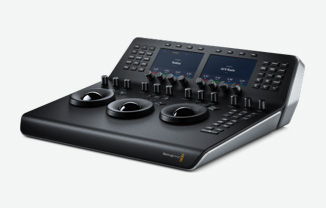
DaVinci Resolve Mini Panel

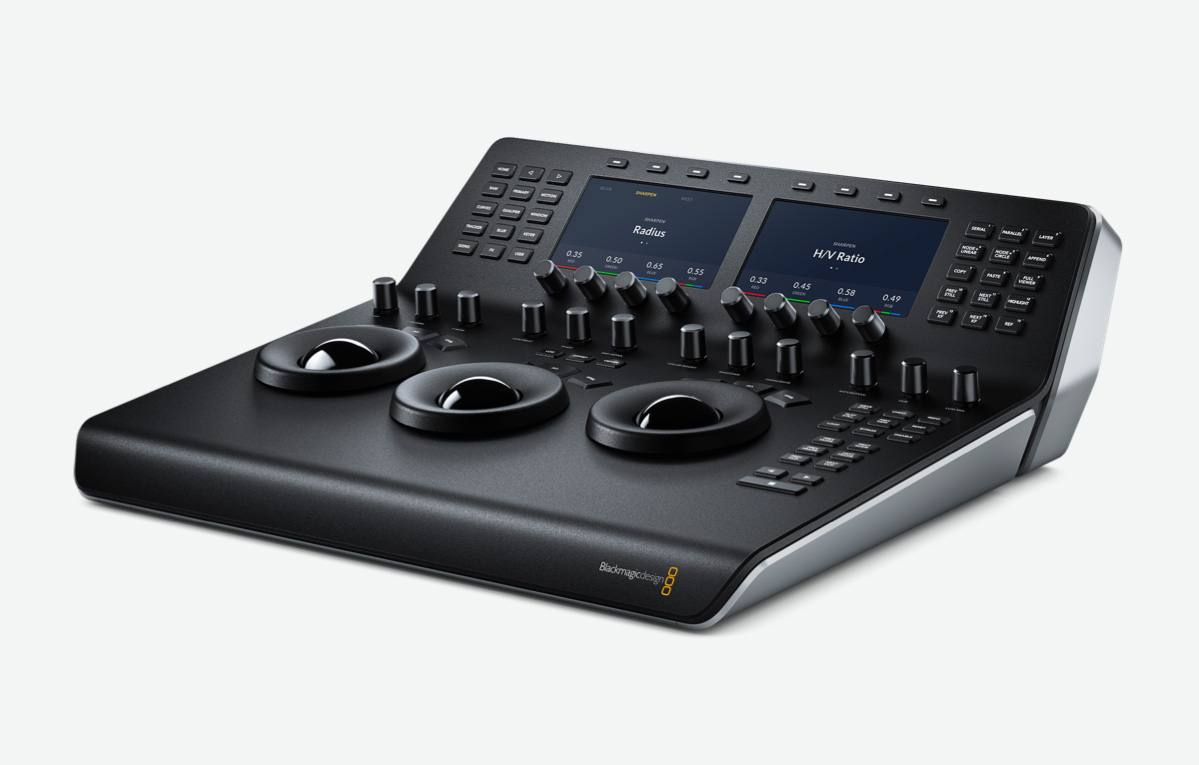
Portable DaVinci color panel with 3 high resolution trackballs, 12 primary corrector knobs and LCDs with menus and buttons for switching tools, adding color nodes, HDR and secondary grading and more!

$2,319

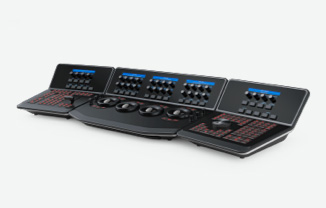
DaVinci Resolve Advanced Panel

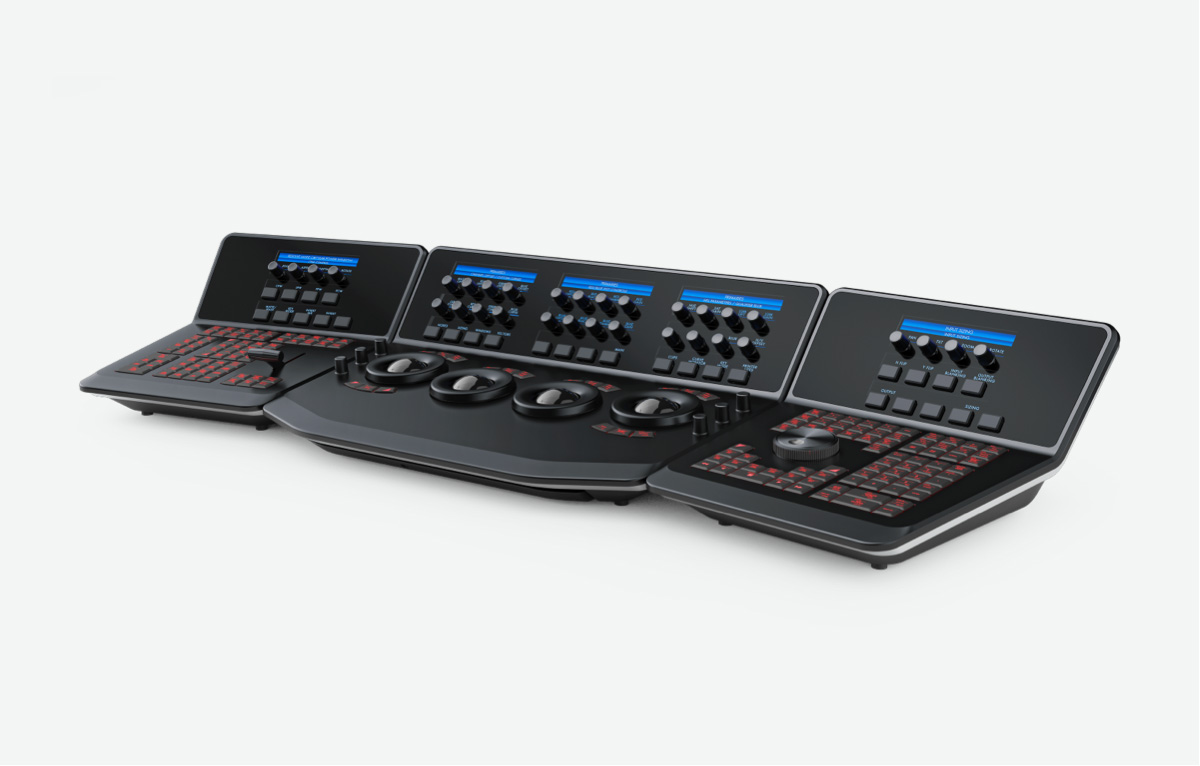
Designed in collaboration with professional Hollywood colorists, the DaVinci Resolve Advanced Panel features a massive number of controls for direct access to every DaVinci color correction feature.

$31,089

Fairlight Audio Consoles

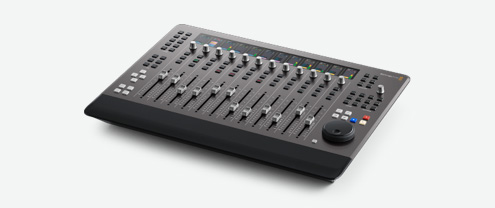
Fairlight Desktop Console

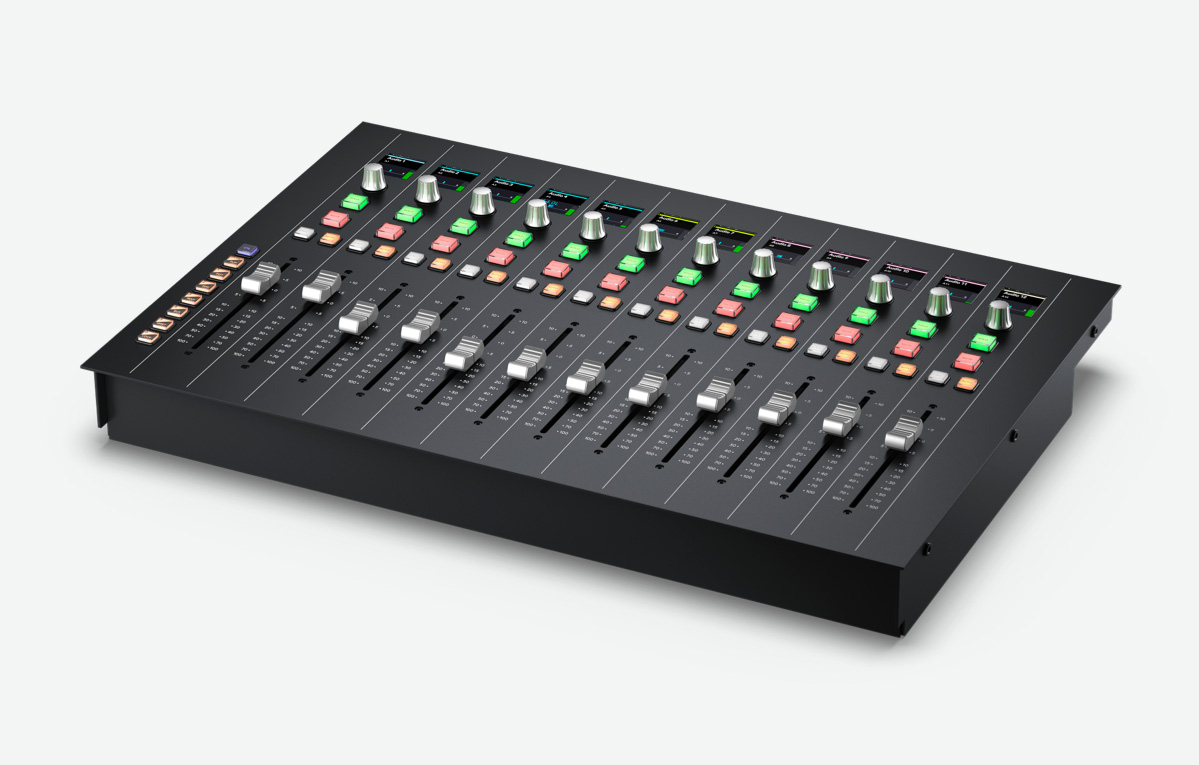
Portable audio control surface includes 12 premium touch sensitive flying faders, channel LCDs for advanced processing, automation and transport controls plus HDMI for an external graphics display.

$3,445

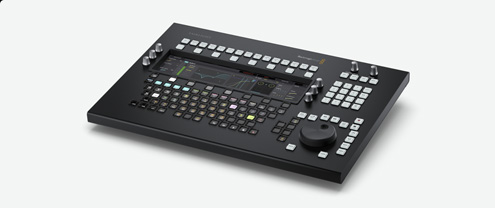
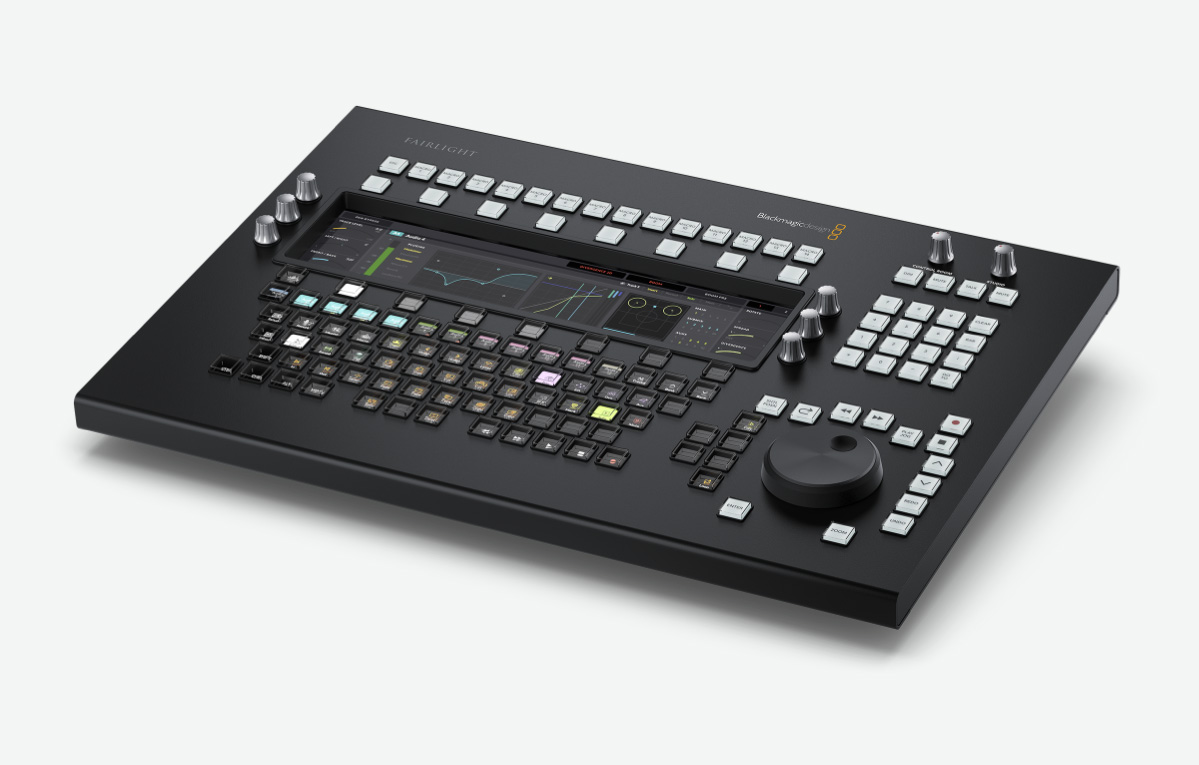
Fairlight Desktop Audio Editor

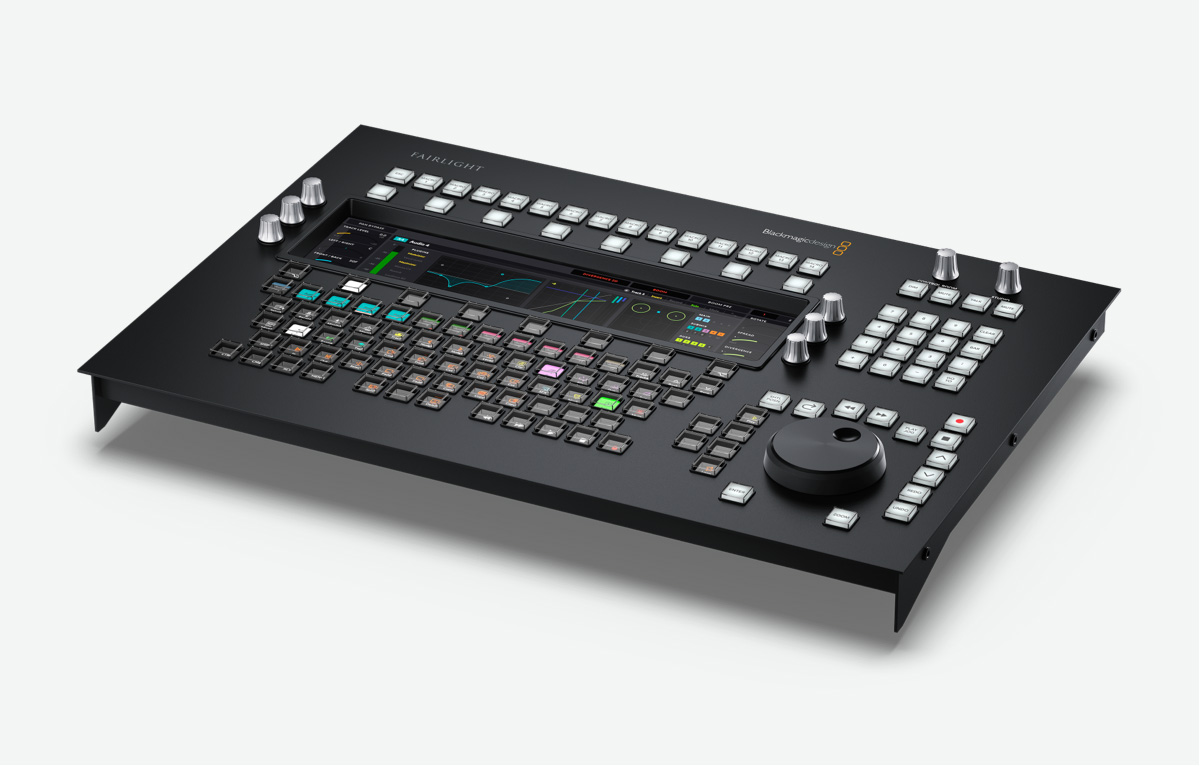
Get incredibly fast audio editing for sound engineers working on tight deadlines! Includes LCD screen, touch sensitive control knobs, built in search dial and full keyboard with multi function keys.

$5,055

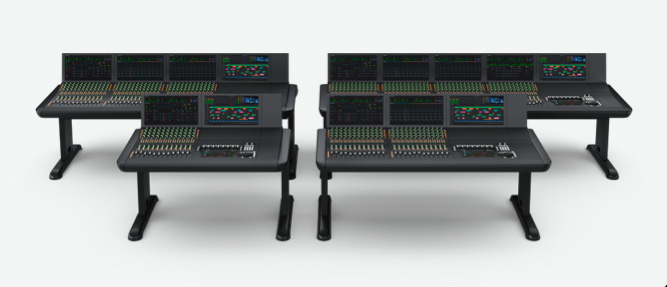
Fairlight Advanced Consoles

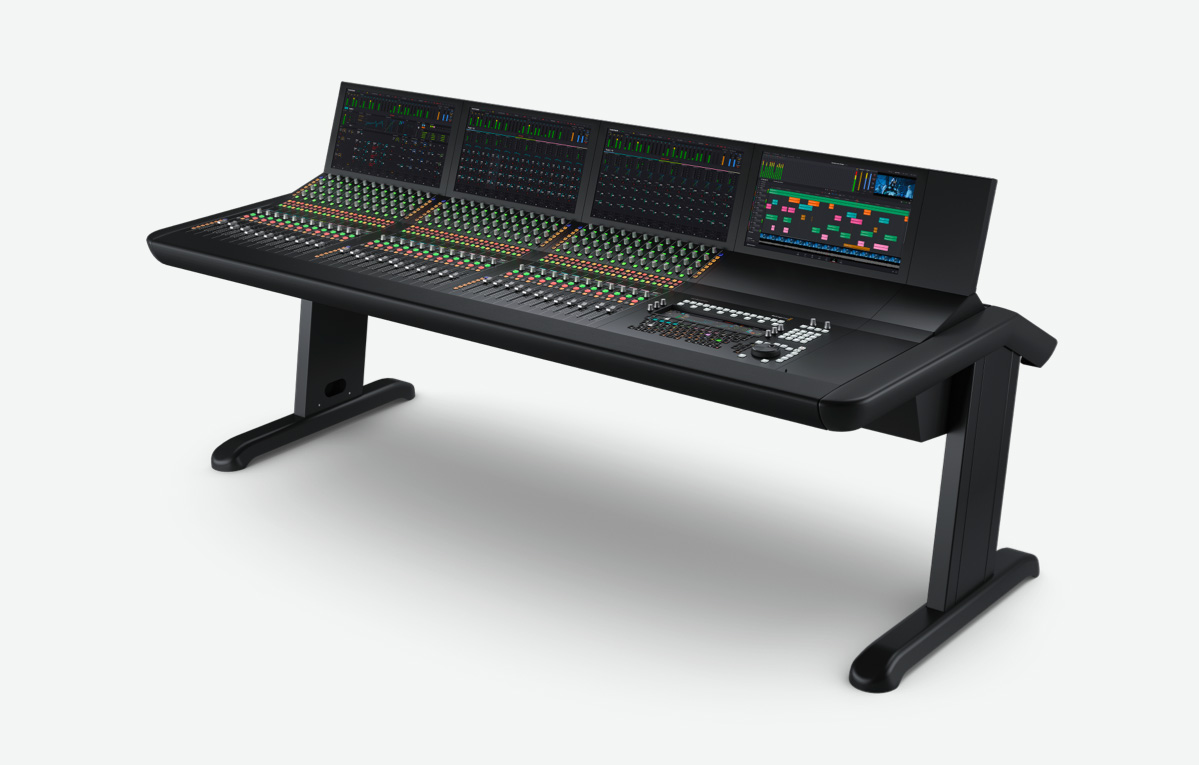
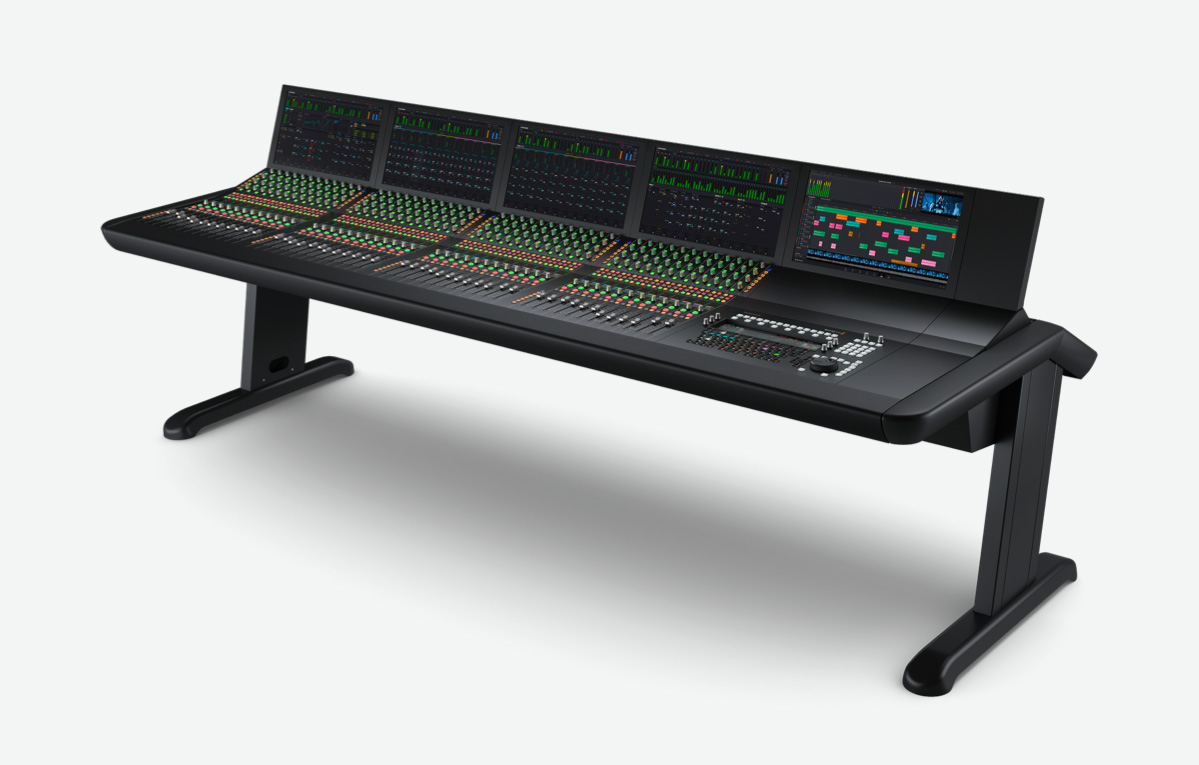
Used by Hollywood and broadcasters, these large consoles make it easy to mix large projects with a massive number of channels and tracks. Modular design allows customizing 2, 3, 4, or 5 bay consoles!

From $24,195

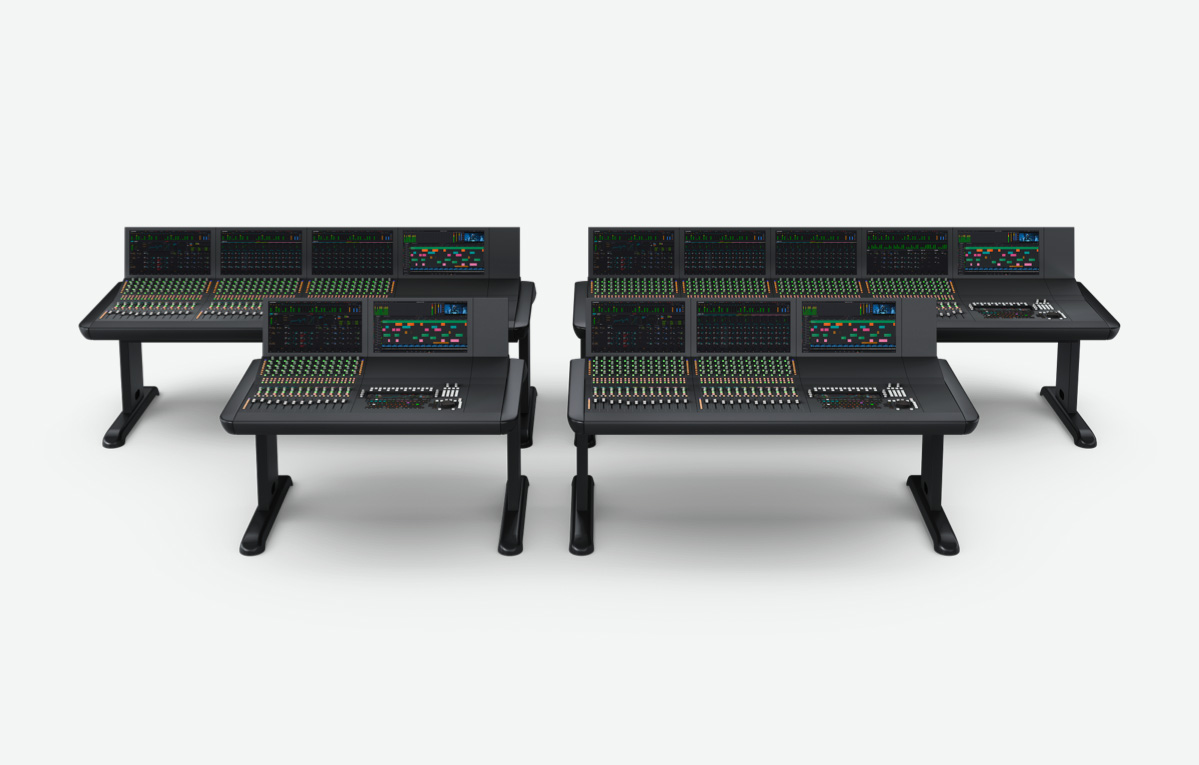
Fairlight Studio Console Bundles

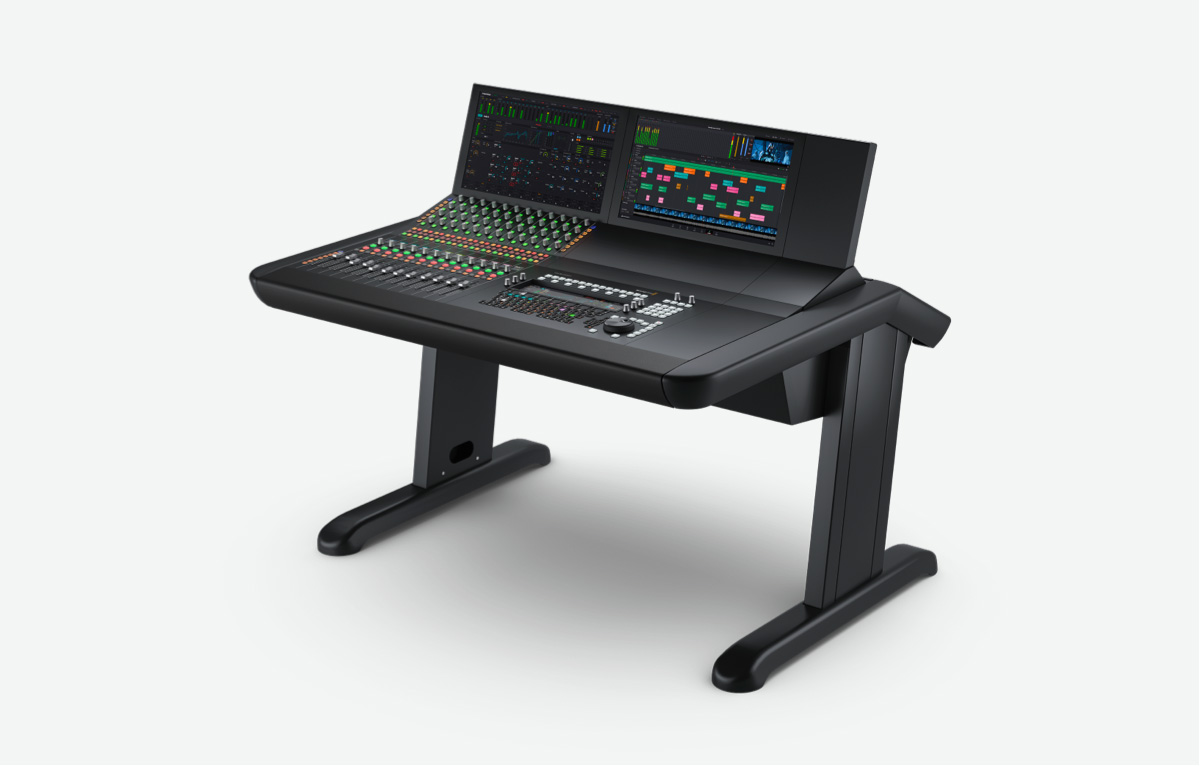
Fairlight Console Bundle 2 Bay

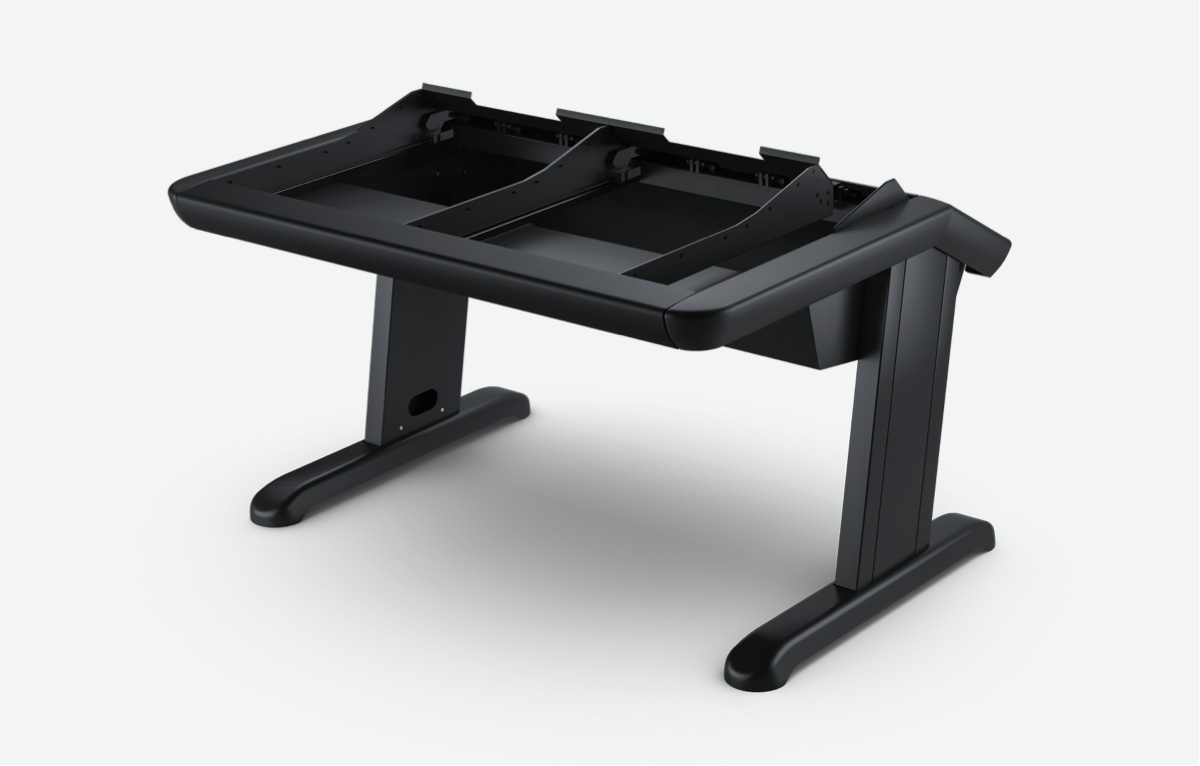
Complete Fairlight studio console with 1 channel fader, 1 channel control, 1 audio editor, 2 LCD monitors and 2 bay chassis.

$24,195

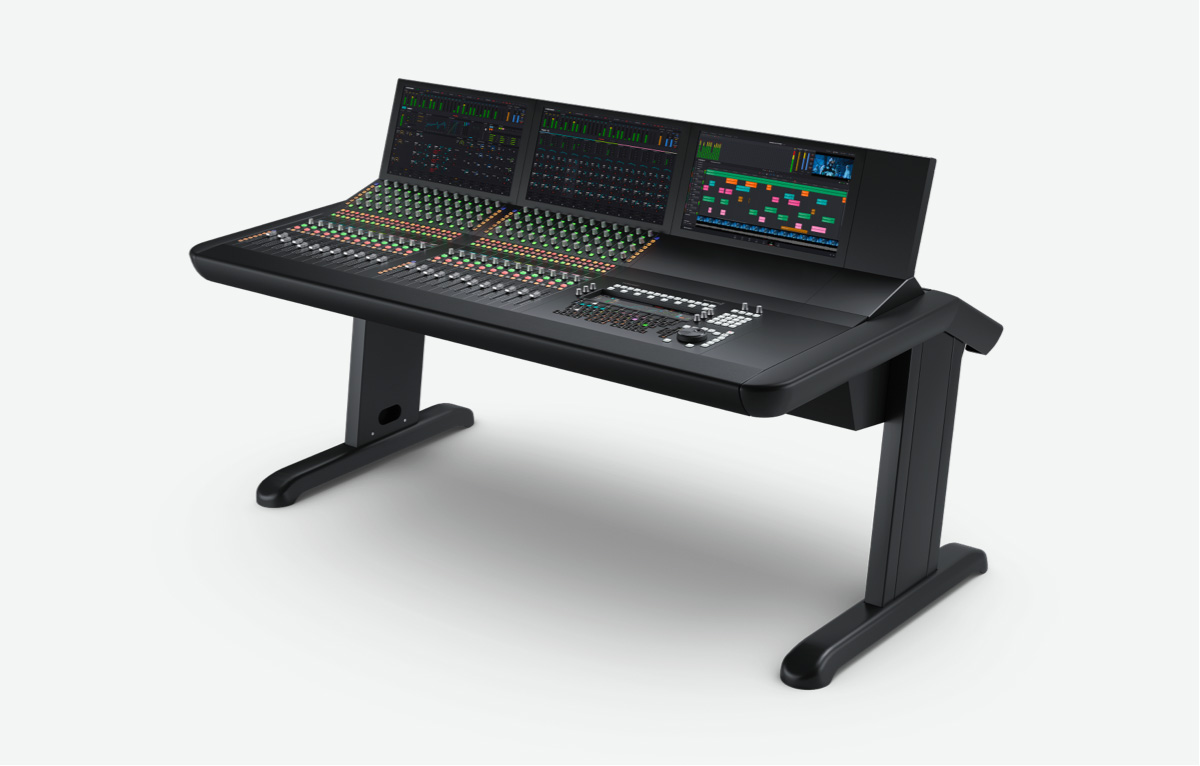
Fairlight Console Bundle 3 Bay

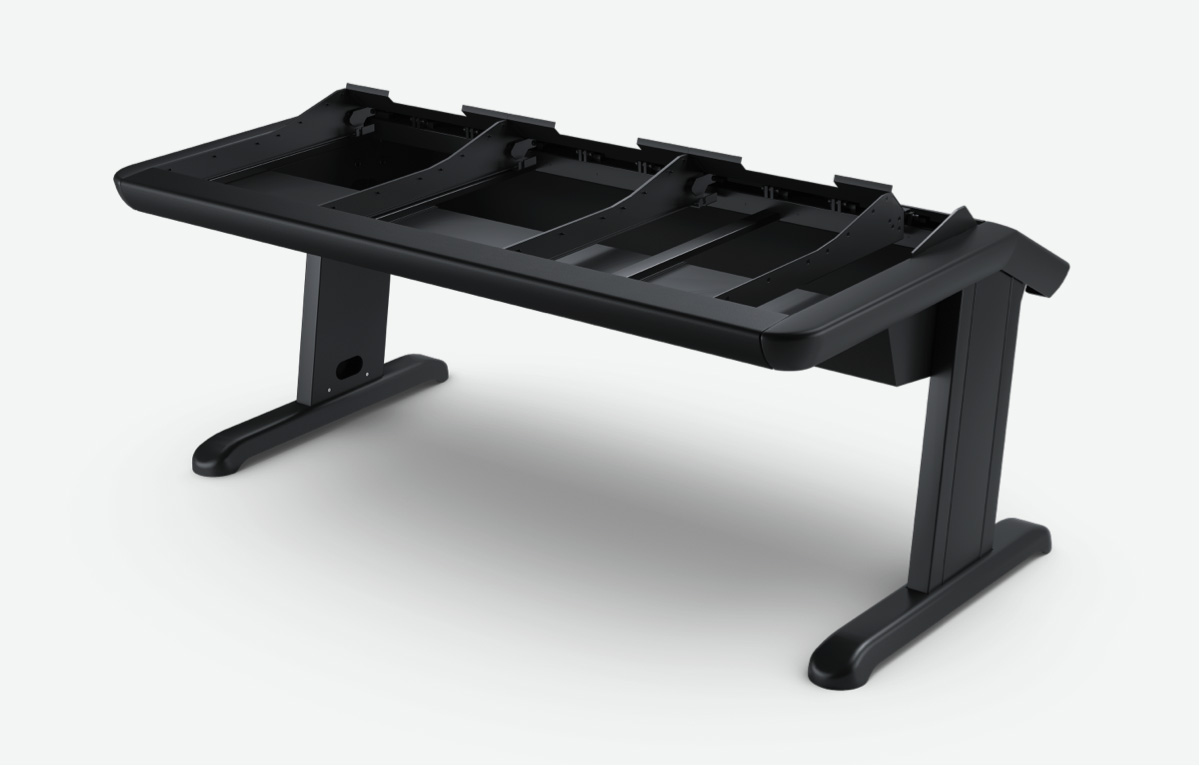
Complete Fairlight studio console with 2 channel faders, 2 channel controls, 1 audio editor, 3 LCD monitors and 3 bay chassis.

$32,995

Fairlight Console Bundle 4 Bay

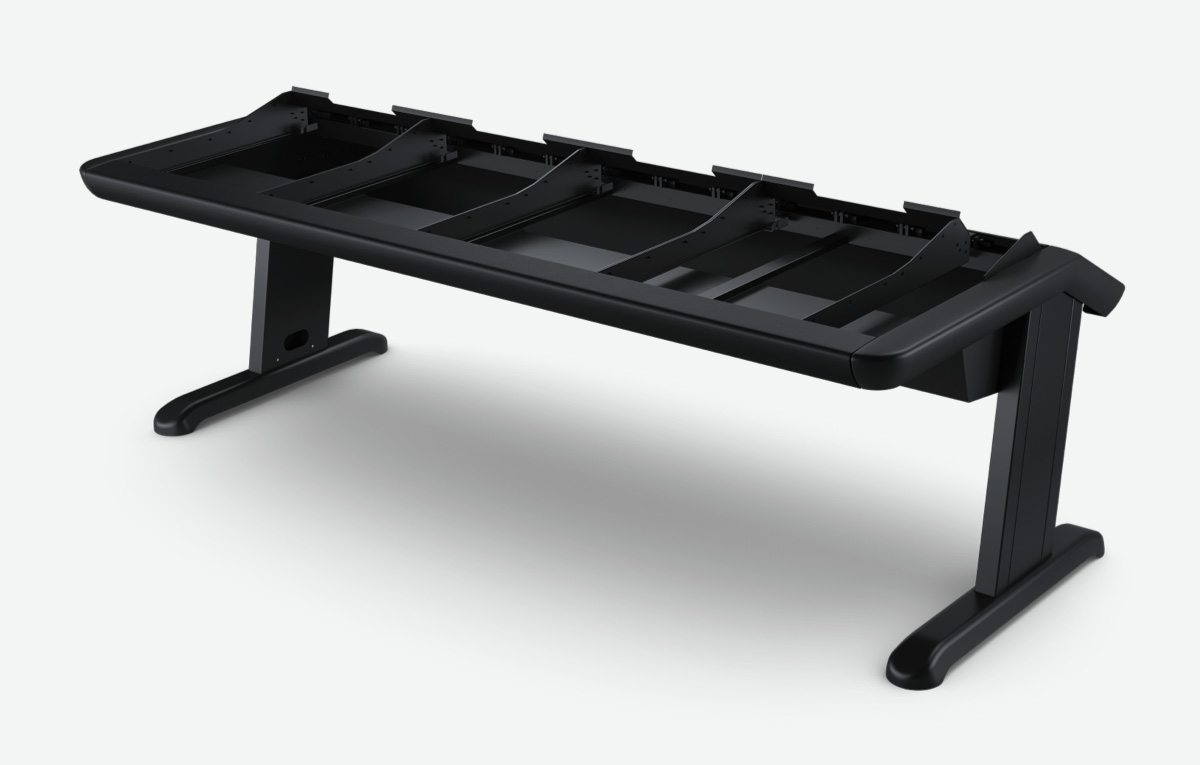
Complete Fairlight studio console with 3 channel faders, 3 channel controls, 1 audio editor, 4 LCD monitors and 4 bay chassis.

$43,995

Fairlight Console Bundle 5 Bay

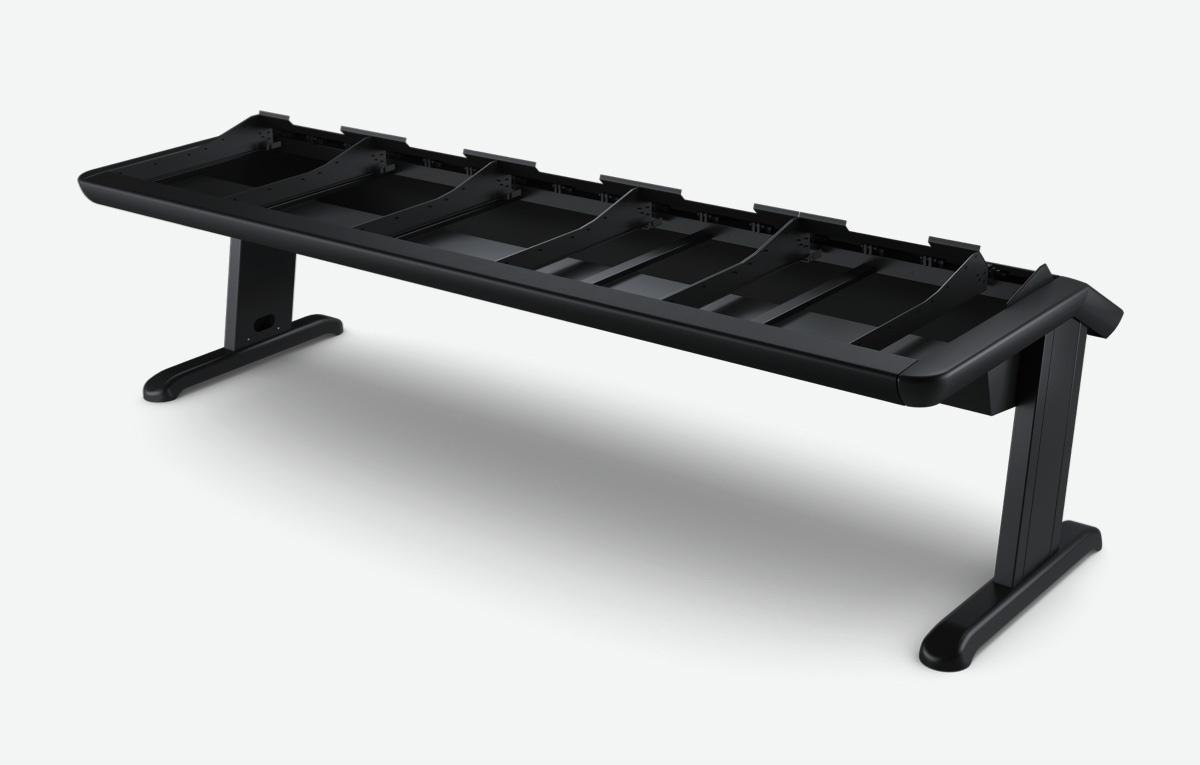
Complete Fairlight studio console with 4 channel faders, 4 channel controls, 1 audio editor, 5 LCD monitors and 5 bay chassis.

$53,895

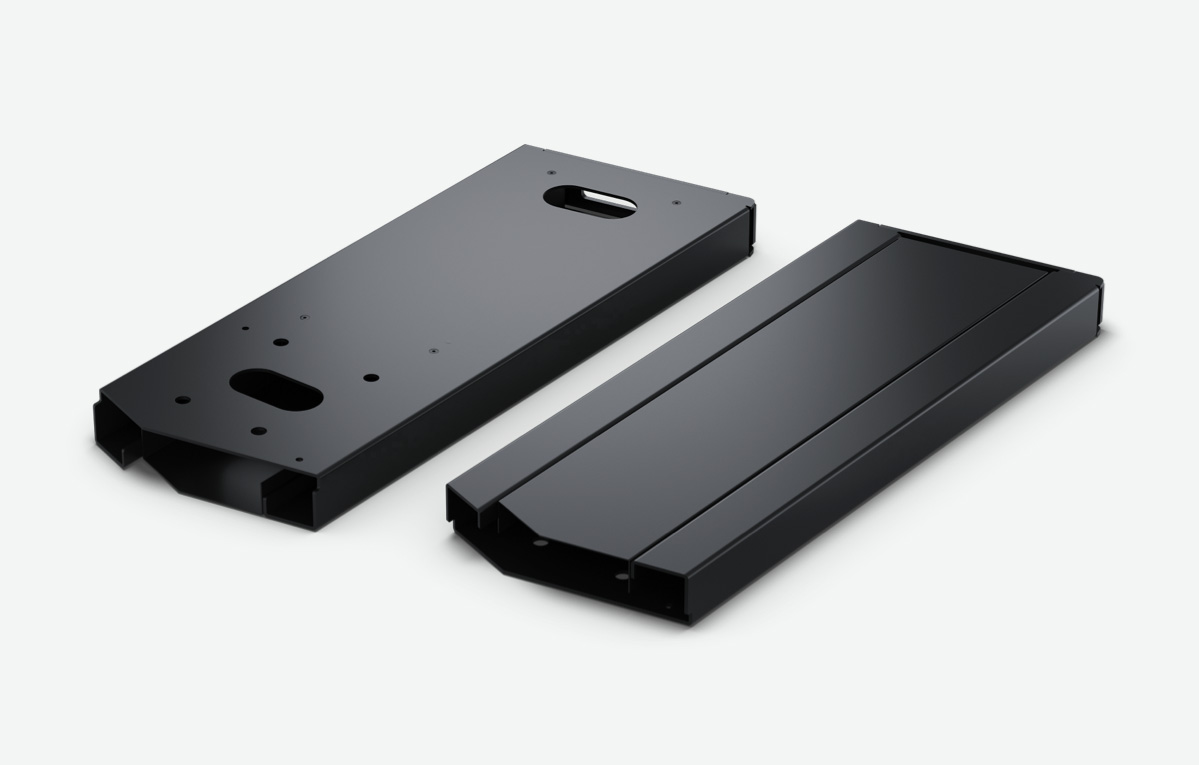
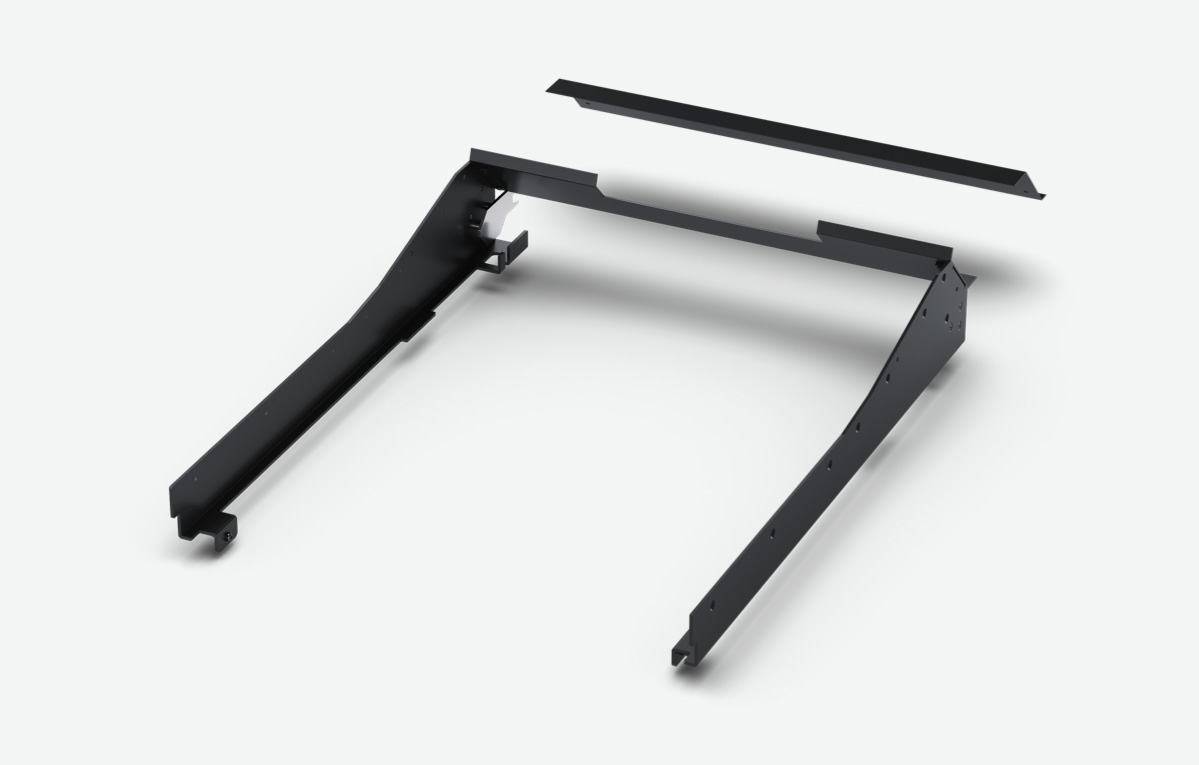
Fairlight Console Chassis Leg Kit 0 Deg

Fairlight studio console legs at 0º angle for when you require a flat working surface. Required for all Fairlight Studio Consoles.

$435

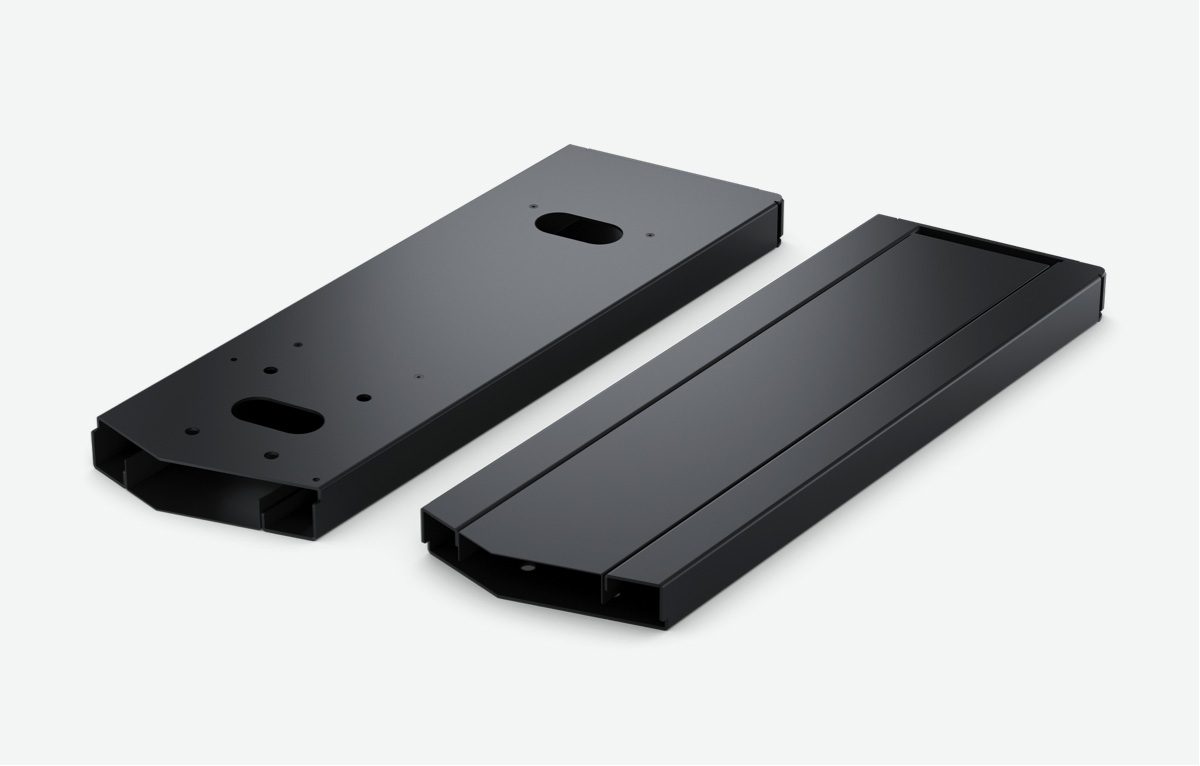
Fairlight Console Chassis Leg Kit 8 Deg

Fairlight studio console legs at 8º angle for when you require a slightly angled working surface. Required for all Fairlight Studio Consoles.

$435

Fairlight Studio Console Individual Modules

Fairlight Console Channel Fader

Features 12 motorized faders, rotary control knobs illuminated buttons for pan, solo, mute and call, plus bank select buttons.

$4,595

Fairlight Console Channel Control

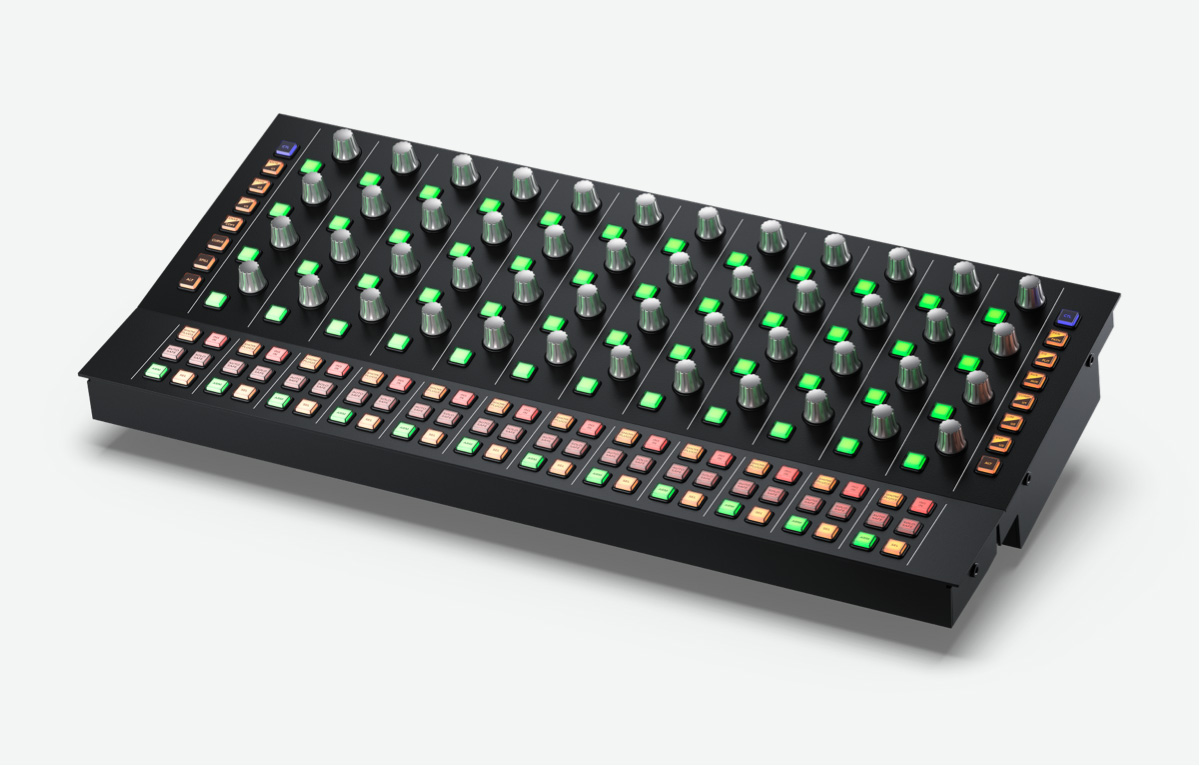
12 groups of touch sensitive rotary control knobs and illuminated buttons, assignable to fader strips, single channel or master bus.

$2,815

Fairlight Console Audio Editor

Get quick access to virtually every Fairlight feature! Includes a 12” LCD, graphical keyboard, macro keys, transport controls and more.

$5,115

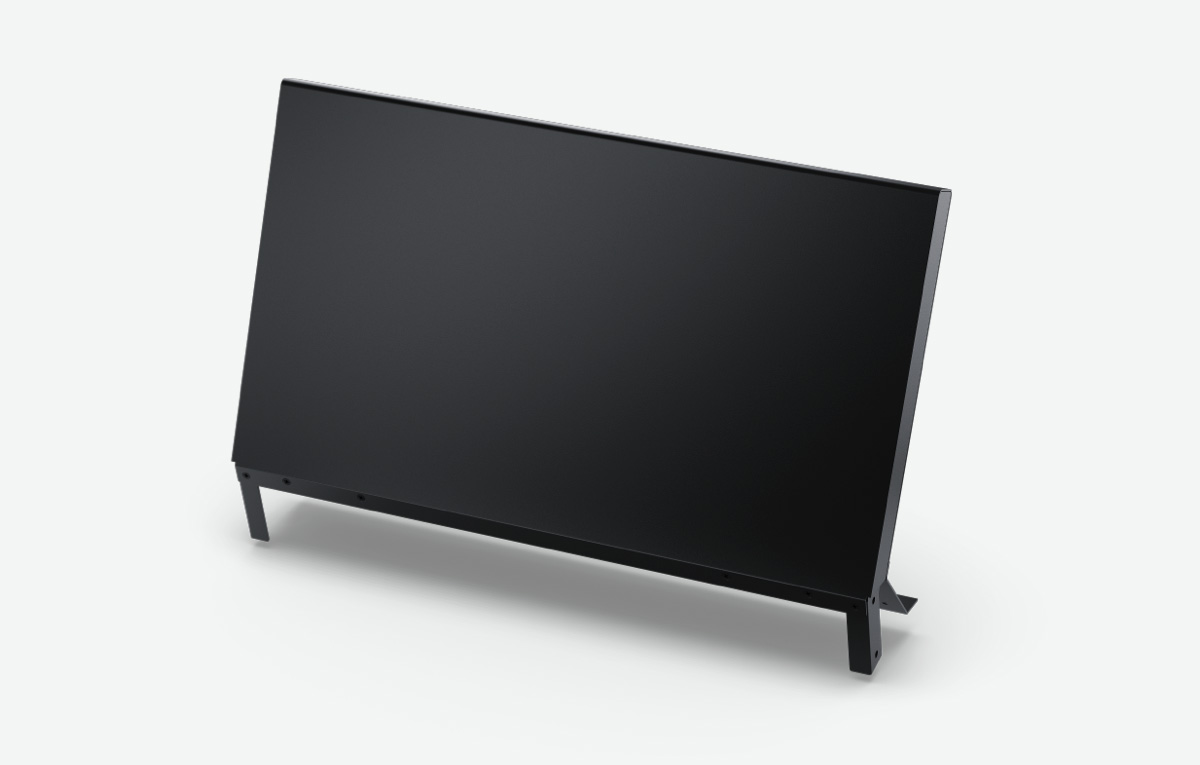
Fairlight Console LCD Monitor

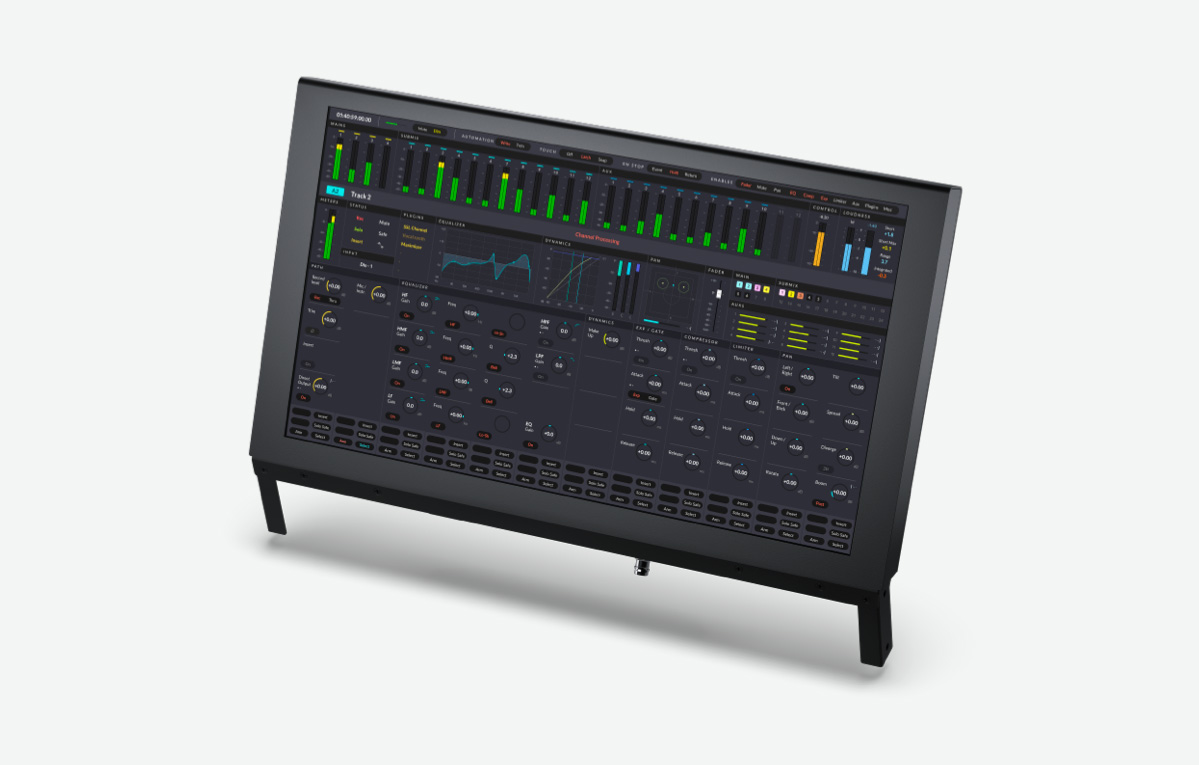
Features HDMI, SDI inputs for video and computer monitoring and Ethernet for graphics display of channel status and meters.

$1,495

Fairlight Studio Console Unpopulated Chassis

Fairlight Console Chassis 2 Bay

Empty 2 bay Fairlight studio console chassis that can be populated with various faders, channel controls, edit and LCD monitors.

$9,455

Fairlight Console Chassis 3 Bay

Empty 3 bay Fairlight studio console chassis that can be populated with various faders, channel controls, edit and LCD monitors.

$10,555

Fairlight Console Chassis 4 Bay

Empty 4 bay Fairlight studio console chassis that can be populated with various faders, channel controls, edit and LCD monitors.

$12,095

Fairlight Console Chassis 5 Bay

Empty 5 bay Fairlight studio console chassis that can be populated with various faders, channel controls, edit and LCD monitors.

$14,295

Accessories For Custom Furniture

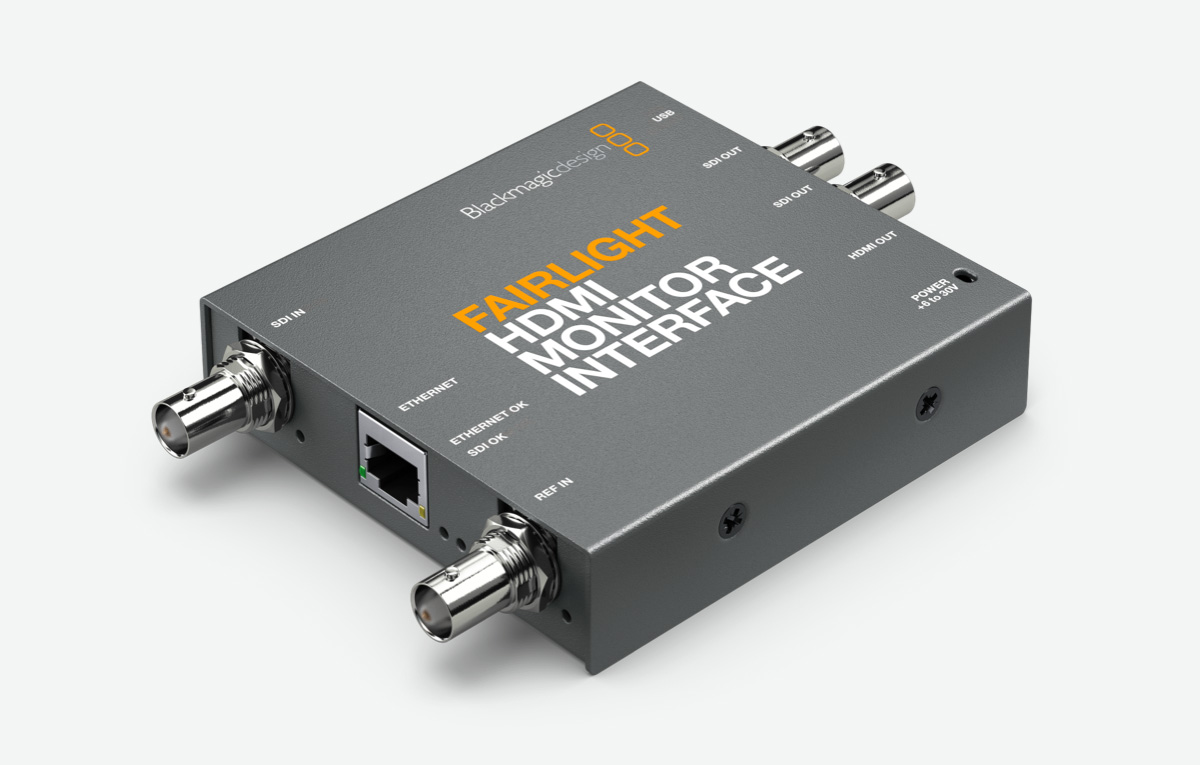
Fairlight HDMI Monitor Interface

Use alternative HDMI or SDI televisions and monitors when building a Fairlight studio console.

$299

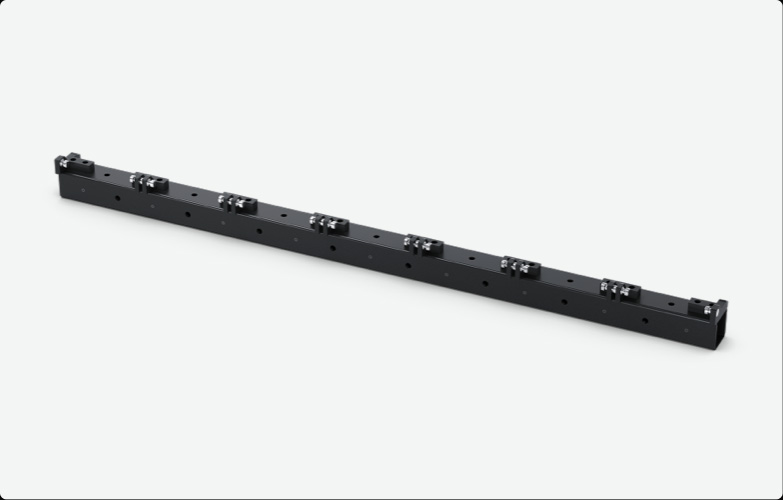
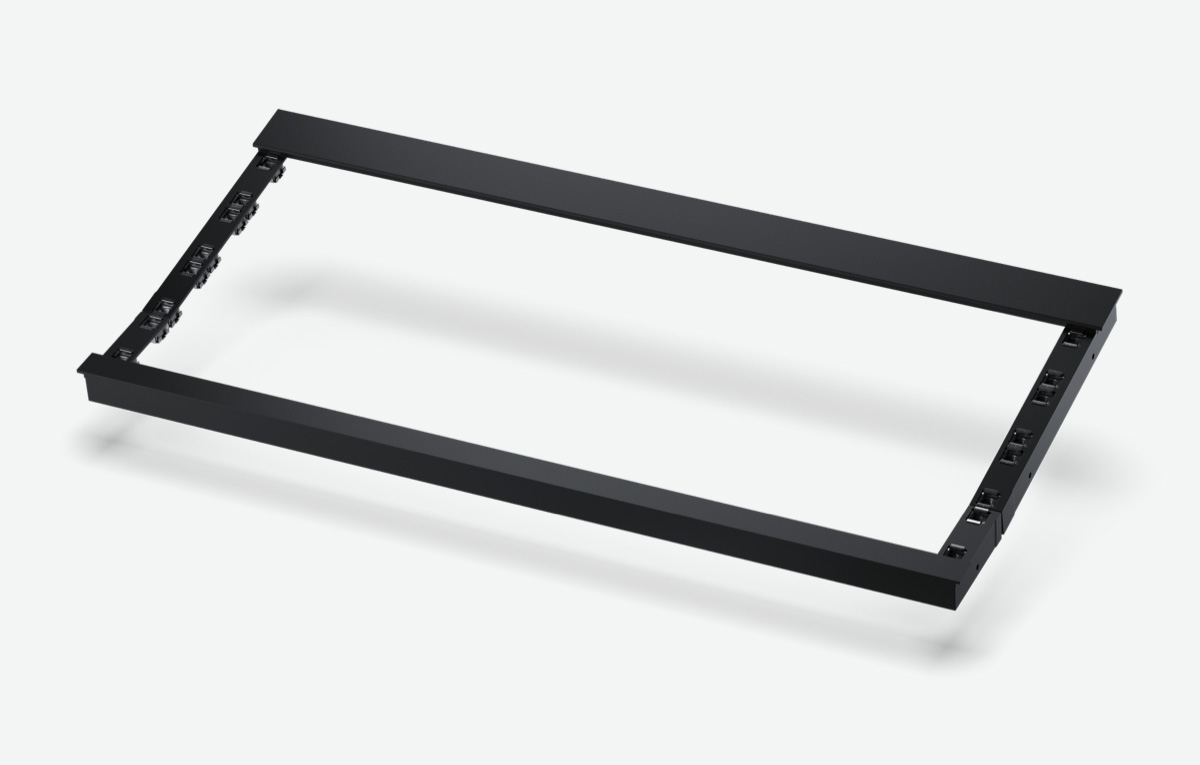
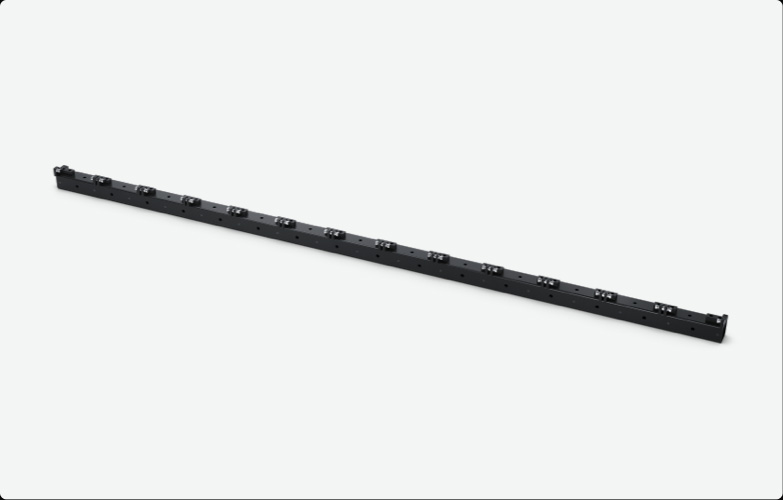
Fairlight Console Mounting Bar 2 Bay

Mounting bar with locating pins to allow correct alignment of bay modules when building a custom 2 bay Fairlight console.

$415

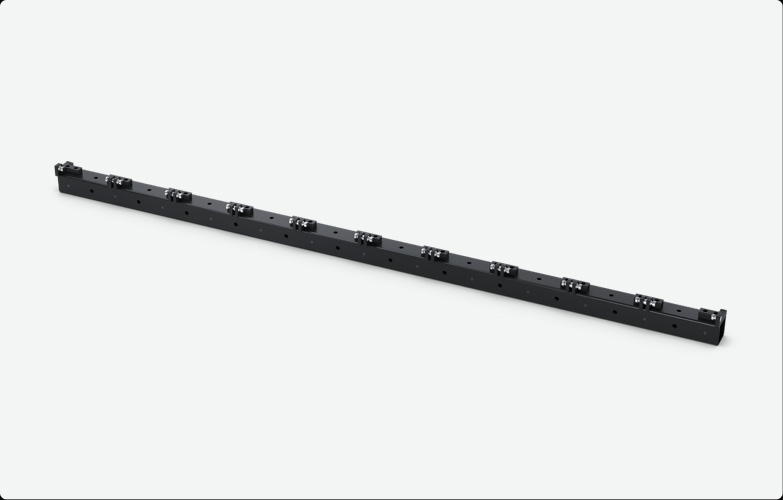
Fairlight Console Mounting Bar 3 Bay

Mounting bar with locating pins to allow correct alignment of bay modules when building a custom 3 bay Fairlight console.

$675

Fairlight Console Mounting Bar 4 Bay

Mounting bar with locating pins to allow correct alignment of bay modules when building a custom 4 bay Fairlight console.

$779

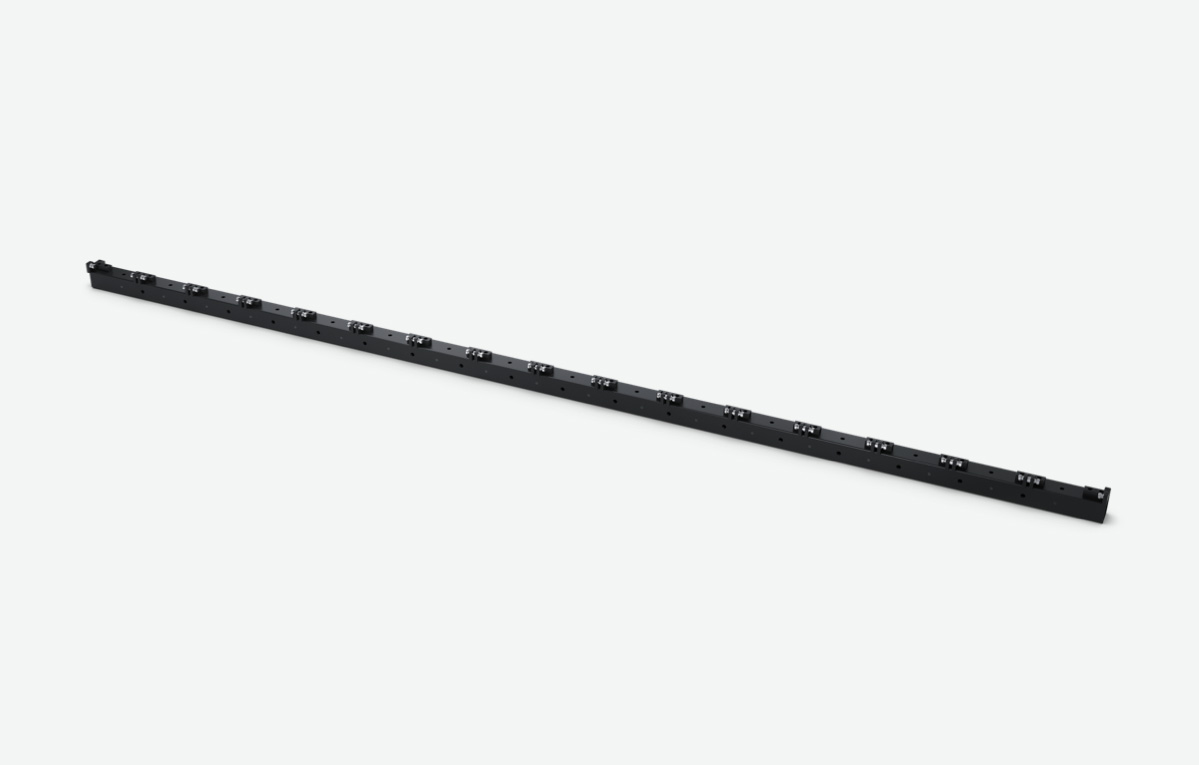
Fairlight Console Mounting Bar 5 Bay

Mounting bar with locating pins to allow correct alignment of bay modules when building a custom 5 bay Fairlight console.

$879

Fairlight Console Side Arm Kit

Side arm kit mounts into Fairlight console mounting bar and holds each fader, channel control and LCD monitor module.

$259

Fairlight Narrow Blank Kit

Blank 1/3rd wide bay for building a custom console with the extra 1/3rd section. Includes blank infill panels.

$545

Fairlight Console Channel Rack Kit

Allows mounting standard 19 inch rack mount equipment in the channel control area of the Fairlight studio console.

$275

Fairlight Console Channel Control Blank

Blank panel to fill in the channel control area of the Fairlight studio console.

$205

Fairlight Console LCD Monitor Blank

Blank panel to fill in the LCD monitor area of the Fairlight studio console when you're not using the standard Fairlight LCD monitor.

$469

Fairlight Console Channel Fader Blank

Blank panel to fill in the fader control area of the Fairlight studio console.

$289

Fairlight Audio Interfaces

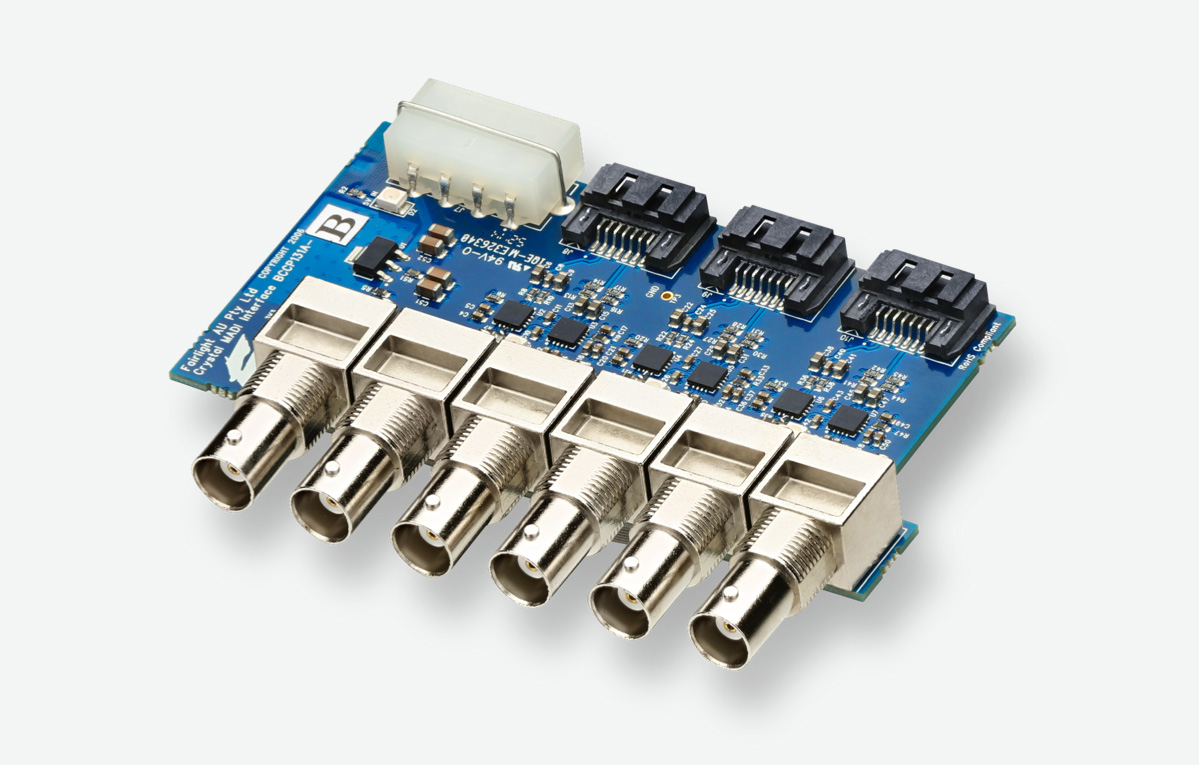
Fairlight Audio MADI Upgrade

Adds 3 MADI I/O connections to the single MADI on the accelerator card, for a total of 256 inputs and outputs at 24 bit and 48kHz.

$219

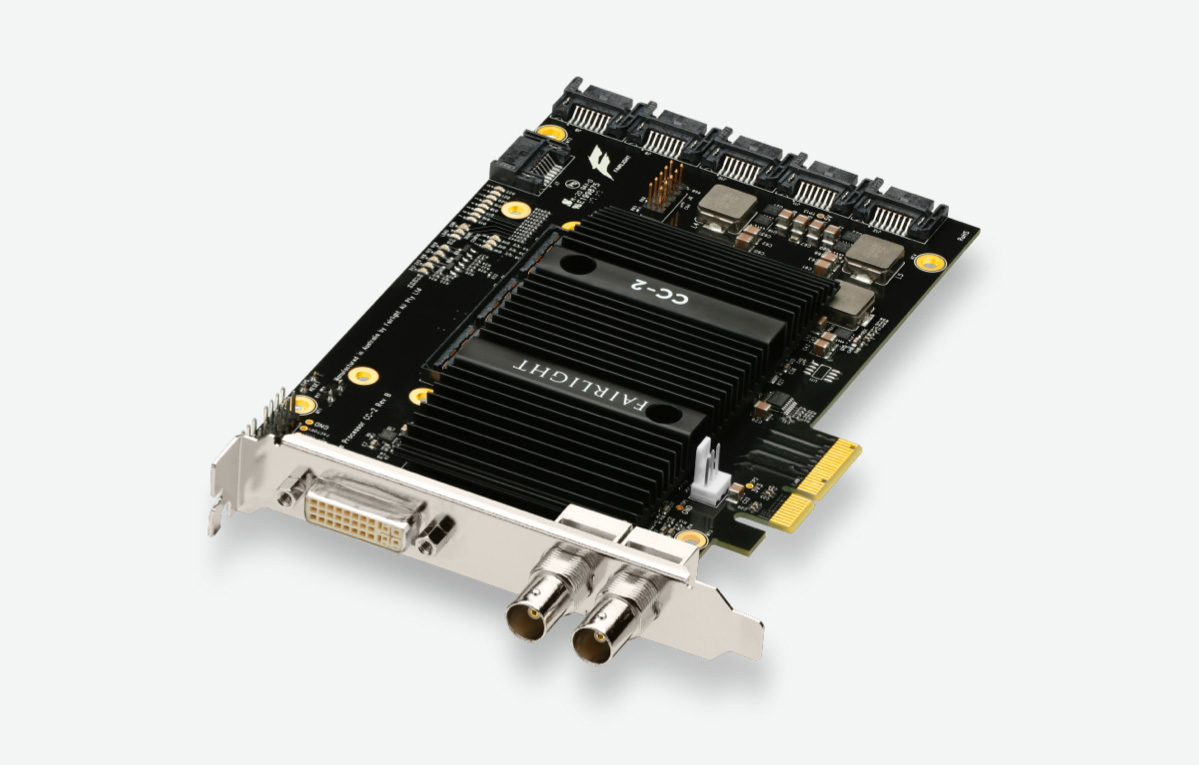
Fairlight Audio Accelerator

Add up to 2,000 tracks with real time processing of EQ, dynamics, 6 plug‑ins per track, plus MADI for extra 64 inputs and outputs.

$1,249

Fairlight Audio Interface

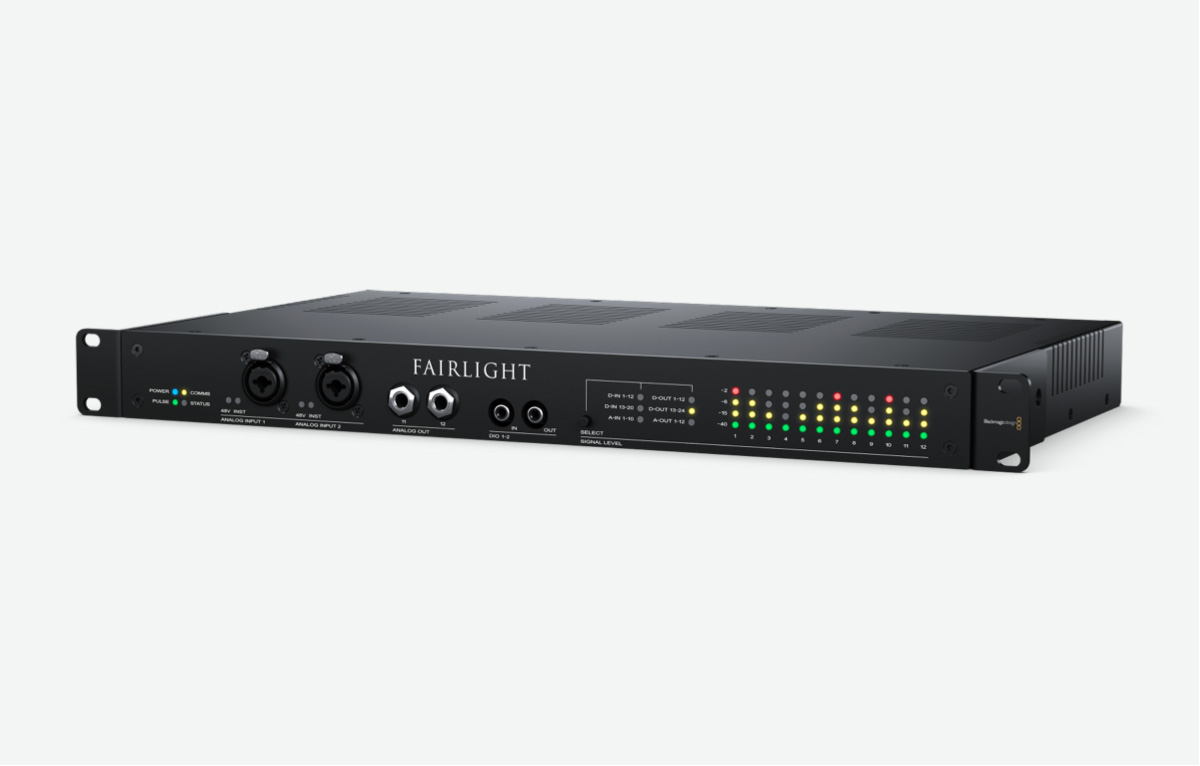
Adds analog and digital connections, preamps for mics and instruments, sample rate conversion and sync at any standard frame rate.

$2,615